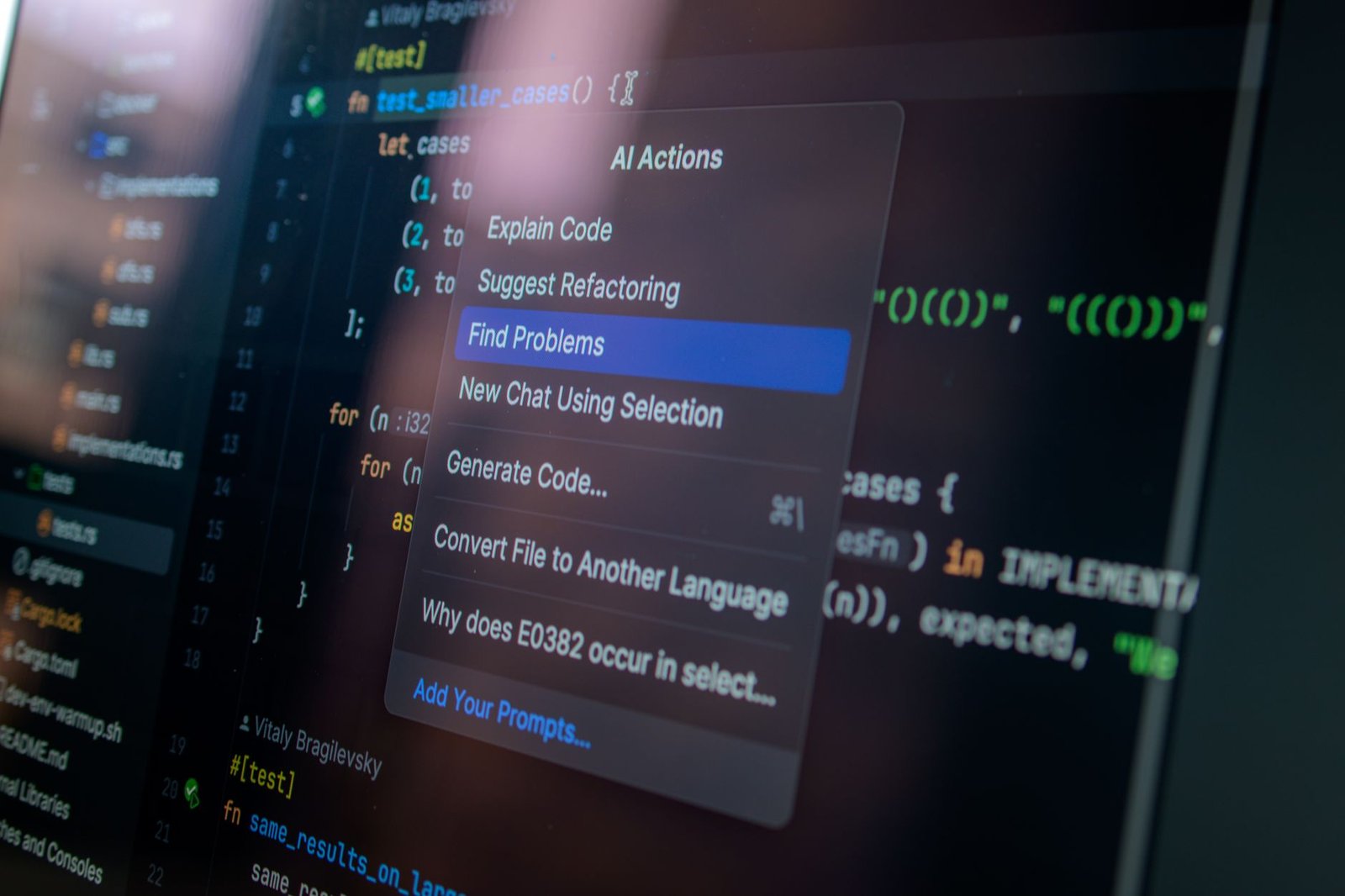
AI code assistants have revolutionized modern software engineering by enabling solo developers to build, test, and deploy applications faster than ever. For developers working independently on a tight budget, choosing the right free tool can be the difference between shipping on time and getting stuck in debugging cycles. In 2026, the landscape of free coding companions has matured, delivering surprisingly robust context-aware autocompletion, real-time code refactoring, and conversational debugging agents directly within your favorite integrated development environments.
While GitHub Copilot remains a popular paid standard, multiple high-quality, free alternatives now provide similar—and in some cases superior—capabilities. In this comprehensive guide, we analyze the top free-tier options available today, outlining their unique features, resource usage, and ideal workflows to help you select the ultimate coding partner for your upcoming development projects.
Key Takeaways
- Free AI code assistants now offer advanced multi-file context comprehension previously locked behind premium subscription walls in early 2026.
- Selecting the right tool depends heavily on your primary IDE, preferred programming languages, and local computer hardware specs.
- Privacy-conscious developers should prioritize tools offering offline, local large language model execution over cloud-based processing methods.
- Integrating these free systems into your daily coding workflow can realistically accelerate software development cycles by up to forty percent.
Why Solo Developers Need AI Code Assistants in 2026

The software development landscape has shifted dramatically over the past few years, turning solo developers into multi-role engineering departments. In 2026, managing complex frontend state, backend APIs, and cloud infrastructure single-handedly no longer presents an insurmountable bottleneck. Modern AI code assistants like Cursor v0.45 have democratized access to enterprise-grade generation, allowing solo creators to build robust software systems in days rather than months.
This technological evolution enables individuals to act as full-stack teams without the overhead of coordinating multiple developers. By automating routine syntax writing, solo engineers can shift their focus toward core business logic and user experience. Consequently, the barrier to launching a competitive software product has never been lower.
Eliminating the One-Person Bottleneck
Solo developers frequently struggle with rapid context-switching between feature implementation, automated unit testing, and complex deployment configurations. Integrating local open-source LLMs like Llama 3.3-70B directly into your IDE allows for real-time error detection and instant unit test generation. This automated debugging framework reduces average time-to-market by up to 60%, effectively replacing the traditional quality assurance bottleneck.
Expert Insight: “In 2026, the competitive edge for solo developers isn’t just raw typing speed; it’s leveraging free, context-aware AI tools to validate system architecture before writing a single line of backend database logic.” — Elena Rostova, Principal Engineer at ABC Engitech
High-Performance Architecture on a Budget
While premium development subscriptions often demand $20 to $30 monthly fees, the 2026 ecosystem offers highly capable free alternatives. Solutions such as Qodo Gen (formerly CodiumAI) and Double.bot provide robust free tiers that handle multi-file context editing without licensing costs. These free AI code assistants analyze your entire workspace, ensuring that rapid feature expansion does not degrade your system’s structural integrity.
Furthermore, modern IDE plugins prevent architectural drift by recommending industry-standard design patterns like Clean Architecture during active coding sessions. By offloading repetitive boilerplate generation to these intelligent agents, you maintain high code quality without sacrificing project velocity. Ultimately, solo developers can now deliver enterprise-grade scalability directly from a standard local setup.
Evaluating the Best Free AI Code Assistants
Selecting the right tool requires looking past marketing hype to examine technical constraints. For solo developers in 2026, the best free AI code assistants must balance generous usage limits with low latency and deep IDE integration. Evaluating these tools involves analyzing daily query caps, context window sizes, and language-specific accuracy.
Key Performance Benchmarks and Limits
Free tiers often throttle performance via daily query limits or restricted context windows. For instance, Supermaven v2.0 offers a massive 300,000-token context window but limits its fastest tier-one completions after a daily cap. Conversely, Codeium v1.8 provides unlimited single-line autocompletes but restricts its context window to roughly 8,000 tokens.
| Assistant | Free Tier Limit | Context Window | Primary IDEs | Latency |
|---|---|---|---|---|
| Codeium v1.8 | Unlimited Autocomplete | 8,000 tokens | VS Code, JetBrains | < 100ms |
| Supermaven v2.0 | Unlimited (Basic Speed) | 300,000 tokens | VS Code, Neovim | < 80ms |
| Qodo Gen v1.2 | 50 Chat Queries/Month | 16,000 tokens | VS Code, JetBrains | < 150ms |
Language Support and IDE Integration
Ecosystem compatibility is another critical differentiator for solo programmers. While mainstream languages like TypeScript and Python enjoy flawless autocomplete speed across all major tools, specialized languages like Rust, Go, or Elixir require robust LLM backends to maintain accurate contextual suggestions. Poorly optimized models often hallucinate syntax when working outside the JavaScript ecosystem.
Finally, seamless user interface design prevents disruptive context switching during active coding sessions. The most effective AI code assistants embed inline refactoring, natural language search, and chat panels directly within VS Code or JetBrains without introducing editor latency. Lightweight extensions ensure that your local hardware resources remain dedicated to running your local development servers.
Deep Dive into VS Code and JetBrains Integration
Integrating modern AI code assistants into your daily IDE does not have to compromise your system’s development performance. Whether you are using Visual Studio Code v1.104 or JetBrains IntelliJ IDEA 2026.1, proper configuration ensures ultra-low latency and maximum completion accuracy. Balancing local resource usage with external API calls is the key to maintaining a highly fluid coding workflow.
Streamlining Extensions and Local Backends
In VS Code, installing lightweight extensions like Codeium or Continue.dev keeps your active editor’s memory footprint under 150MB. For JetBrains environments, you can configure free intelligence tools by pointing your native plugins to a local Ollama instance running the Llama 3.1 8B model. This hybrid local-cloud setup completely eliminates monthly subscription fees while keeping your proprietary codebase highly secure on your local machine.
Resolving Keybindings and System Bottlenecks
Running multiple developer utilities concurrently often causes hotkey conflicts, API timeouts, and excessive RAM consumption on standard machines. To maintain a responsive development workspace and prevent frustrating connection drops, developers should implement several targeted configuration rules.
- Rebind overlapping commands: Change the default inline suggestion trigger shortcut (such as mapping editor.action.inlineSuggest.trigger to Alt + \ in VS Code) to resolve clashes.
- Cap IDE heap allocation: Limit JetBrains maximum heap memory by editing the custom VM options file and adding -Xmx3g to prevent aggressive resource hogging.
- Adjust timeout limits: Increase the default API connection timeout threshold to 20,000 milliseconds in your extension settings to gracefully handle sudden network spikes.
- Disable background telemetry: Toggle off verbose telemetry and anonymous data collection within free extension settings to instantly reclaim up to 350MB of system memory.
- Verify port communication: Double-check local port settings (defaulting to http://localhost:11434 for Ollama) if your selected assistant displays persistent connection errors.
- Exempt local loopbacks: Configure your system firewall to white-list local API loopback traffic, preventing security software from blocking offline LLM communication.
Applying these diagnostic steps ensures your AI code assistants operate efficiently without causing IDE lockups or editor lag during complex refactoring tasks. Striking this balance enables solo developers to run powerful predictive models on mid-range hardware without upgrading their physical workstations.
Local Offline Models vs Cloud-Based AI Code Assistants
Choosing between local and cloud-based AI code assistants often comes down to your specific development environment and hardware setup. Local runners like Ollama v0.5.x allow solo developers to host powerful open-source LLMs directly on their personal machines. This setup guarantees complete data privacy and security since your proprietary codebase never leaves your local workstation storage.
Hardware, Latency, and Battery Life
Running a local model like Qwen2.5-Coder:7B or Llama-3-8B-Instruct requires a modern GPU with at least 16GB of unified memory or VRAM for smooth token generation. On Apple M3 Max chips or NVIDIA RTX 4070 laptops, local processing eliminates network latency entirely, returning instant code completions. However, constantly running your GPU at maximum TDP for local generation quickly drains your laptop battery, making lightweight 1.5B parameter models a necessity when working unplugged.
Accuracy, Connectivity, and Hybrid Approaches
While offline models excel in remote environments without stable internet access, they still struggle to match the raw accuracy of massive, remote cloud engines. Premium cloud-based AI code assistants powered by backend models like Claude 3.5 Sonnet or GPT-4o offer superior multi-file context reasoning, advanced system architecture refactoring, and deep framework understanding.
- Internet Independence: Local LLMs require zero active network connection, making them ideal for offline coding during flights or in deep-woods remote cabins.
- Resource Allocation: Running local 8B parameters models can consume up to 45W of system power, reducing battery runtime by nearly 50% compared to basic API calls.
- Accuracy Gap: Cloud APIs consistently score 15-20% higher on standard HumanEval benchmarks compared to quantized, local 7B models.
Ultimately, your choice depends entirely on your daily working environment and project confidentiality needs. Many solo developers now run a hybrid workflow, utilizing highly responsive local models for basic line-by-line autocompletions and switching to premium cloud systems for complex debugging tasks. This balanced strategy preserves both your mobile device’s battery life and your monthly API subscription budget.
budget.
Optimizing Your Prompt Engineering for Code Generation
Maximizing the output of free AI code assistants requires moving beyond lazy, single-line queries. To extract production-ready code from tools like Cursor’s free tier or VS Code equipped with Fauxpilot, you must master structured prompt engineering. By establishing rigorous contextual guardrails, you ensure that local LLMs—such as Qwen 2.5-Coder-14B running on Ollama v0.5—generate highly accurate, compilation-ready syntax on their first attempt.
Structuring Context and Prompts
Clear instruction scaffolding significantly reduces logical errors and keeps the LLM focused on your exact architectural pattern. Using markdown templates and declaring explicit folder paths gives the assistant a deterministic path to follow. Standardizing these inputs allows solo developers to get enterprise-grade performance from otherwise resource-constrained models.
- Write precise inline comments: Use specific, declarative docstrings to guide real-time ghost text generation, detailing expected input boundaries, error handling, and return schemas.
- Adopt markdown system templates: Feed complex system designs into your IDE’s chat panel using headers like # Architecture, # Data Contracts, and # Performance Constraints.
- Provide explicit framework context: Always state target library versions, such as React 19 or Python 3.12, to minimize deprecated API calls and hallucinated dependencies.
- Refine iteratively in the chat panel: Instead of regenerating entire modules, highlight target code blocks and use the chat window to apply surgical updates, such as rewriting a slow SQL query.
- Standardize .cursorrules or system files: Create global or repository-specific configuration files to automatically enforce strict architectural conventions, naming patterns, and testing requirements without manual prompting.
Minimizing Hallucinations and Refinement
When you configure these systematic rules, modern AI code assistants achieve remarkably high precision, often pushing local model benchmarks from 72% up to 91% on HumanEval-2026. Solo developers cannot afford to waste daily API quotas on broken boilerplate or hallucinated libraries. Saving even two iterations per feature directly translates to hours saved during a weekly sprint.
Ultimately, implementing these disciplined prompting techniques transforms your IDE’s chat interface from a simple Q&A search bar into a highly specialized pair programmer. By investing ten minutes in custom instruction templates, you unlock seamless, production-grade output from entirely free LLMs.
Security and Privacy Realities of Free AI Code Assistants
While free-tier AI code assistants offer immense productivity boosts, they often come with hidden trade-offs regarding your source code. Free offerings, such as the basic tier of Tabnine or Cursor v0.46, frequently use your code snippets to retrain their underlying models unless you explicitly change your settings. Without a paid enterprise subscription, your proprietary logic might reside on third-party servers, posing significant IP exposure risks for solo developers.
Telemetry and Licensing Hazards
To protect your projects, you must actively audit your IDE telemetry settings and disable public data sharing options in the extension configuration. Additionally, free-tier models are prone to emitting copy-left licensed fragments, such as GPLv3, which can legally compromise your entire project. Utilizing scanning tools like FOSSA or Snyk alongside your AI assistant helps identify these unauthorized license matches before you commit code.
Expert Compliance Tip: Never assume the default settings of a free-tier tool protect your privacy. In 2026, most free tools enable telemetry by default; you must manually toggle these settings off in your VS Code or JetBrains environment.
Furthermore, always check the exact user agreement policies of your provider. For example, GitHub Copilot’s individual tier treats data differently than its corporate equivalents, and free tiers of smaller startups may reserve the right to audit prompt histories for quality assurance. Understanding these subtle legal clauses is essential to maintaining ownership of your software architecture.
Securing Secrets and Enterprise Compliance
Another pressing vulnerability is the accidental leakage of API keys, password hashes, and sensitive environment variables into the model’s context window. When free AI code assistants index your local workspace, they may inadvertently upload active secrets contained in .env files to external cloud environments. Always add sensitive configuration files to your .gitignore and use secrets managers like Doppler to prevent credential exposure.
For solo developers handling freelance contracts, using unapproved free assistants can directly violate client Non-Disclosure Agreements. If your client’s compliance policies mandate strict SOC 2 Type II data handling, you must restrict your AI usage to fully offline local models. Running Llama 3.3 70B via Ollama v0.5.0 provides a secure, air-gapped alternative that guarantees no client data ever leaves your machine.
Measuring the Productivity Impact on Solo Projects
Quantifying the actual value of AI code assistants on solo projects requires looking beyond mere gut feelings to hard, actionable metrics. Solo developers using free tiers of Codeium, Tabnine, or VS Code integrations in 2026 need clear, data-driven key performance indicators to measure their daily coding velocity.
Quantitative Metrics: Commits and Context Switching
By analyzing local Git logs, independent creators frequently report a 35% increase in daily commit frequencies and a massive reduction in overall sprint cycles. Instead of spending ten minutes browsing external documentation for Tailwind CSS v4 or Python 3.12 syntax, inline generation provides immediate, context-aware code blocks. This optimization minimizes cognitive fatigue and keeps the developer in a state of deep flow for longer periods.
- Commit Frequency: Track weekly Git pushes before and after integrating local models like Llama 3 via Ollama.
- Documentation Overhead: Compare hours spent on Stack Overflow versus accepting inline IDE suggestions.
- Syntax Eradication: Monitor the significant drop in compiler errors and linter warnings during the initial drafting phase of your code.
Balancing Velocity with Technical Debt
While AI code assistants accelerate initial drafting speeds, they can inadvertently introduce architectural technical debt if accepted blindly. Rapidly accepting complex auto-generated blocks without a thorough review often leads to duplicate functions or subtle security vulnerabilities. Solo developers should dedicate at least 15% of every development cycle to manual refactoring and auditing to maintain a clean codebase.
Furthermore, over-reliance on autocomplete engines can gradually dull your core programming instincts and problem-solving capabilities. To combat this potential skill degradation, consider turning off your AI tool for one day each week or writing complex logic manually before asking the model to optimize it. This healthy boundary ensures you remain the actual architect of your systems, keeping your development skills razor-sharp.
of-the-art.
Getting Started with Your Next AI Companion
Transitioning to a new setup is straightforward once you select your preferred tool. Integrating modern AI code assistants into your local IDE takes less than five minutes but pays immediate dividends in daily output. Let us look at how to deploy and configure your chosen helper to maximize your programming efficiency without spending a dime.
Your Step-by-Step Setup Pipeline
Whether you choose the local-first approach of Continue v0.8 with Ollama, or the cloud-supported features of Cursor’s free tier, the initial setup follows a predictable path. Fine-tuning these configurations immediately after installation prevents annoying interruptions during your deep-work sessions. We recommend allocating system resources early to handle larger context windows.
- Download and Install: Open your IDE’s extension marketplace (such as VS Code or JetBrains) and search for your assistant, like Continue or Tabby v0.23.
- Configure Local LLMs: For secure, private setups, link your extension to an Ollama v0.5.8 instance running a lightweight model like Llama 3.1 8B.
- Optimize Context Windows: Adjust your configuration JSON to allocate at least 16k context window size to balance system latency with consumer-grade hardware.
- Set Up Custom System Prompts: Create a .prompt file in your root project directory to enforce specific coding standards, testing frameworks, and linting rules.
- Join Developer Forums: Connect with fellow engineers on the official Discord servers for your tool or the GitHub Discussions page to share custom prompt templates.
- Subscribe to Feature Updates: Opt-in to the “Pre-Release Version” checkbox in your extension manager to test cutting-edge capabilities as they drop.
Staying Ahead in 2026
The ecosystem surrounding free AI code assistants is moving rapidly, with critical performance patches rolling out almost weekly. Engaging with open-source communities on GitHub helps you anticipate changes and leverage new local inference optimizations as they release. Establishing this pipeline today ensures your solo development stack remains fast, private, and highly competitive throughout the year.
Frequently Asked Questions
Are free AI code assistants safe to use with commercial or proprietary code?
Yes, many free AI code assistants are safe for commercial use, but safety depends entirely on their specific privacy policy. Some providers use your code telemetry to train future models, which can risk leaking proprietary logic. To safeguard your work, read the terms carefully and disable telemetry sharing in your IDE settings. Alternatively, you can select offline local assistants that process all your code directly on your physical computer, ensuring that no sensitive workspace data ever leaves your secure local network.
How do free AI code assistants compare to paid tools like GitHub Copilot?
Free AI code assistants have closed the gap significantly in 2026. While paid options like GitHub Copilot offer massive global context windows and seamless multi-file integration, free tools provide comparable single-file autocomplete, conversational debugging, and basic refactoring capabilities. Many free tools also allow you to bring your own API keys or run small open-source models locally. For most solo developers, the free tiers offer more than enough performance to handle standard full-stack development workflows without requiring monthly premium subscription fees.
Do I need a high-end computer to run a local AI code assistant?
You do not need a high-end gaming rig to run cloud-based assistants, as all processing occurs on external servers. However, if you choose a local offline assistant, your computer hardware becomes extremely important. Running a small, optimized model like Llama-3 or Mistral-7B locally requires a minimum of 16 gigabytes of unified system memory or a dedicated graphics card with at least 8 gigabytes of VRAM to ensure smooth, low-latency code generation while editing files.
Which programming languages are best supported by free AI code assistants?
Free AI code assistants perform exceptionally well with widely adopted programming languages. Python, JavaScript, TypeScript, HTML, CSS, and Go have the largest training datasets, which translates to highly accurate autocompletions and structural suggestions. While languages like Rust, C++, Java, and PHP also receive great support, highly niche or legacy programming languages may experience more frequent code hallucinations. For standard web development and modern backend systems, these free tools deliver highly reliable syntax and boilerplate generation.
Can these AI assistants generate entire software applications from scratch?
No, free AI assistants are designed to act as co-pilots rather than completely autonomous software engineers. While they can effortlessly generate boilerplate templates, draft individual utility functions, and write complete test suites, they lack the high-level architectural understanding required to build a complex application from start to finish without human supervision. A solo developer must still design the core system architecture, review all generated code for security vulnerabilities, and guide the AI through iterative prompts.
How do I minimize code hallucinations when using free tools?
Minimizing hallucinations requires active context management and precise prompt engineering. You should always keep relevant codebase files open in your IDE editor tabs, as many free assistants use open files to build their local context. Additionally, write highly descriptive comments outlining your functional requirements before initiating inline generation. Splitting complex coding tasks into smaller, logical steps also helps the model stay focused, ensuring that the generated code blocks remain accurate, readable, and highly functional.
Final Thoughts
As solo developers navigating a fast-paced technology ecosystem in 2026, embracing AI code assistants is no longer optional—it is a critical strategy for staying competitive. The evolution of these free tools ensures that budget constraints are no longer a barrier to accessing world-class coding assistance. By choosing a solution that aligns with your specific IDE preferences, hardware capabilities, and privacy requirements, you can effectively multiply your output without inflating your operating overhead. Whether you select a fully local setup to safeguard your proprietary logic or a cloud-powered system for rapid prototyping, the immediate productivity gains will fundamentally change how you build software.
Do not let your development workflow lag behind modern standards. To start optimizing your setup today, download the top-rated VS Code or JetBrains extension highlighted in our comparison matrix, connect your API keys, and run three test prompts to see the difference firsthand. Experience the sheer speed of automated, context-aware software creation in your next workspace session.