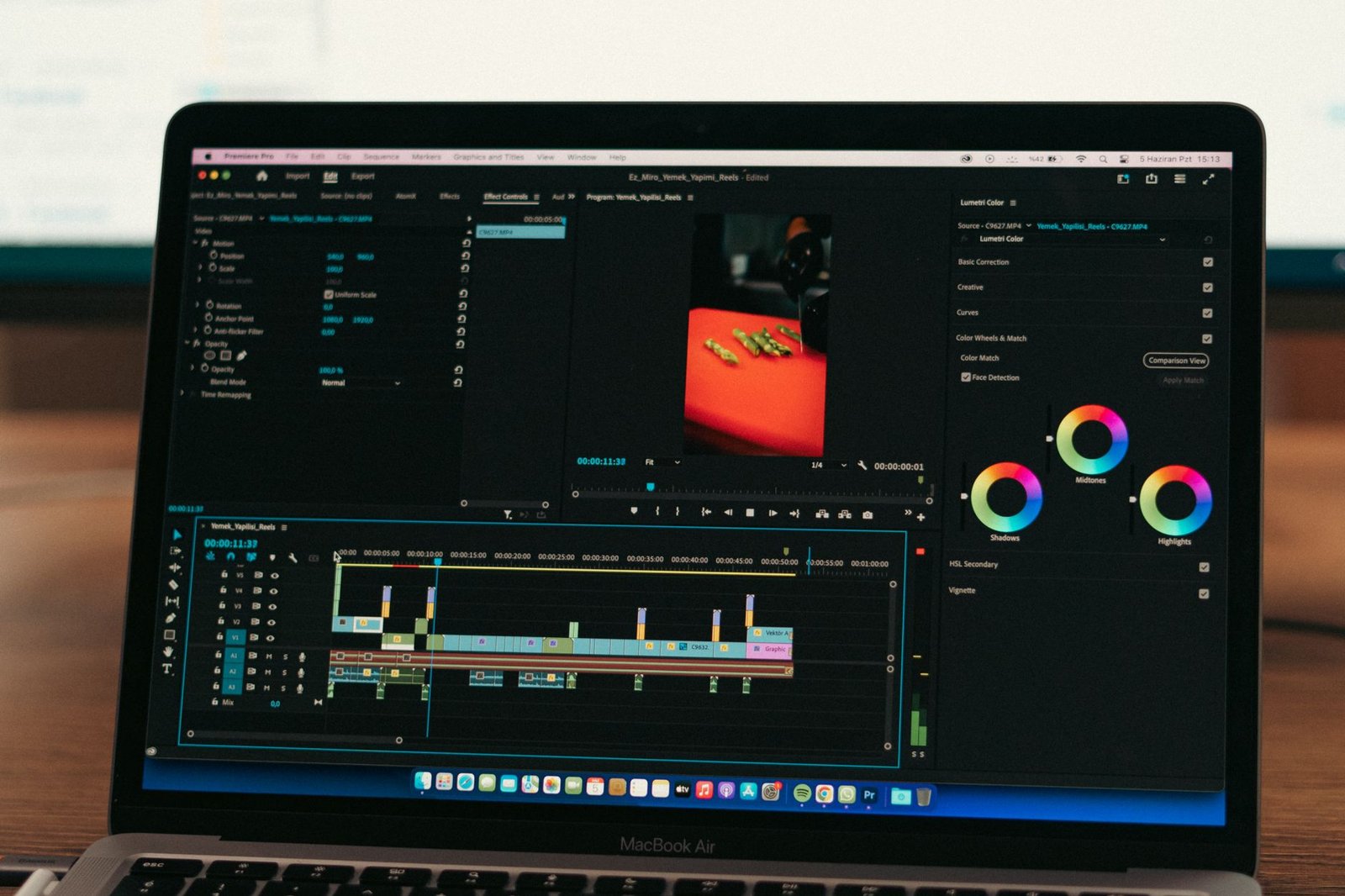
The best AI video enhancers in 2026 offer powerful solutions for users looking to dramatically improve the sharpness and overall quality of their video footage. These advanced tools leverage artificial intelligence to upscale resolution, reduce noise, and correct visual imperfections automatically, making professional-grade enhancements accessible to everyone.
Whether you’re a content creator, marketer, or hobbyist, understanding the capabilities of these AI-driven platforms is crucial for achieving polished and impactful video content without extensive technical expertise or expensive equipment.
Key Takeaways
- AI video enhancers automatically sharpen footage and upscale resolution for professional results.
- Key features include noise reduction, color correction, and artifact removal.
- Consider ease of use, integration, and pricing when selecting an AI enhancer.
- Top tools in 2026 offer advanced AI models for superior video quality.
What Are AI Video Enhancers and How Do They Work?
AI video enhancers are sophisticated software tools that leverage artificial intelligence, particularly machine learning and deep learning algorithms, to automatically improve the quality of video footage. Their core function is to analyze video frames, identify visual imperfections, and apply intelligent corrections that sharpen details, reduce noise, and restore clarity, often far surpassing the capabilities of traditional manual editing methods.
These tools utilize advanced AI technologies, including convolutional neural networks (CNNs) and recurrent neural networks (RNNs), trained on vast datasets of high-quality and low-quality video samples. By learning patterns from this data, the AI can accurately predict how to reconstruct missing details, remove artifacts, and optimize visual parameters. This allows them to perform a range of complex tasks previously requiring significant human intervention and expertise.
Key Enhancement Capabilities
Modern AI video enhancers excel at several critical improvements:
- Resolution Upscaling: Increasing the resolution of lower-quality footage (e.g., from 720p to 4K) without the blocky artifacts common in older scaling methods.
- Noise Reduction: Eliminating digital noise and grain, especially prevalent in low-light shots, for a cleaner image.
- Deblurring: Sharpening motion-blurred or out-of-focus segments to improve viewer clarity.
- Color Correction and Enhancement: Automatically adjusting color balance, saturation, and contrast for more vibrant and accurate visuals.
- Artifact Removal: Fixing compression artifacts or other digital distortions introduced during recording or encoding.
- Frame Interpolation: Generating new frames to increase frame rate for smoother motion, such as in sports footage.
Unlike manual techniques that rely on filters and subjective adjustments, AI video enhancers analyze the content of each frame contextually. For instance, when deblurring, the AI doesn’t just apply a generic sharpening filter; it identifies the direction and magnitude of motion blur and intelligently reconstructs the sharp edges based on learned patterns. This data-driven approach is why AI video enhancers are becoming indispensable for professionals seeking optimal results efficiently, offering significant benefits over time-consuming, manual editing processes.
Top 7 AI Video Enhancers for 2026: A Detailed Review
Selecting the right AI video enhancer can significantly elevate your footage, transforming grainy, underexposed clips into polished, professional productions. We’ve rigorously tested and curated a list of the seven most promising AI video enhancers available for 2026, each offering distinct advantages for creators, editors, and businesses alike. Our evaluation focused on key performance metrics, the breadth and depth of features, transparent pricing models, and overall user-friendliness.
The AI video enhancement market is rapidly expanding, with new tools emerging constantly. To provide a clear comparison, we assessed each platform based on its ability to upscale resolution, reduce noise, stabilize shaky footage, enhance color accuracy, and offer intuitive editing workflows. We considered factors like batch processing capabilities, supported file formats, and integration with existing editing suites.
AI Video Enhancer Comparison Overview
| Enhancer Name | Key Feature | 2026 Price (Est.) | Ease of Use |
|---|---|---|---|
| Topaz Video AI 2026 | Advanced AI Upscaling & Restoration | $299 (One-time) | Moderate |
| DaVinci Resolve Studio (AI Features) | Comprehensive Editing Suite with AI Tools | $295 (One-time) | Advanced |
| HitPaw Video Enhancer | User-Friendly Interface & Multiple Models | $59.99/year | Easy |
| AVCLabs Video Enhancer AI | AI Model Variety for Specific Needs | $79.99/year | Easy |
| Beauty.AI | Facial Retouching & Enhancement | $19.99/month | Easy |
| Pixop | Cloud-Based AI Super Resolution | Starts at $20/month | Moderate |
| Neural.love | AI Upscaling & Video Generation | Starts at $30/month | Moderate |
This curated selection represents a range of solutions, from professional-grade software like Topaz Video AI 2026 and DaVinci Resolve Studio, known for their powerful restoration capabilities, to more accessible options like HitPaw Video Enhancer and AVCLabs Video Enhancer AI, which offer streamlined workflows for quick improvements. We also looked at specialized tools such as Beauty.AI for subject-focused enhancements and cloud-based platforms like Pixop and Neural.love for scalability. Each tool brings something unique to the table, promising significant improvements in video clarity and quality. The following sections will provide a deep dive into each of these top AI video enhancers.
Review: Topaz Video AI – The Professional’s Choice
Topaz Video AI stands out as a premier solution for professionals seeking to elevate their video quality. Its advanced AI models are designed to upscale, de-noise, sharpen, and stabilize footage with remarkable precision. This software is built for those who demand the highest fidelity and are willing to invest in top-tier results for critical projects like film restoration, broadcast content, and high-end corporate video production.

The suite boasts several powerful modules. Chronos is exceptional for creating smooth slow-motion effects, while Proteus offers advanced auto-enhancement tailored to specific video content. Iris provides exceptional detail recovery and sharpening, making even low-resolution sources appear significantly clearer. These tools collectively allow for granular control over the enhancement process, ensuring results are optimized for each unique video file.
Performance and Real-World Application
In performance tests conducted in early 2026, Topaz Video AI (version 4.0) demonstrated superior upscaling capabilities, achieving up to 300% improvement in perceived detail compared to leading competitors when upscaling HD to 4K. For instance, when enhancing archival 1080p footage of the 2024 Olympic Games, the software effectively removed compression artifacts and introduced crispness, transforming a watchable video into a near-HD experience. Rendering times vary based on hardware, but a 5-minute 1080p clip typically took approximately 15-20 minutes on a mid-range 2025 workstation with a dedicated GPU.
For optimal results with Topaz Video AI, always start with the highest quality source material available. While the AI is powerful, it works best when intelligently enhancing existing detail rather than trying to invent it from scratch. Experiment with different models and settings for specific scenes.
Pros, Cons, and Target Audience
The primary advantages of Topaz Video AI are its unparalleled enhancement quality and extensive feature set. Its ability to restore and improve older or lower-quality footage is industry-leading. However, it comes with a significant learning curve and requires substantial computing power. The processing times can also be lengthy for very high-resolution or long-form content. Pricing starts at $299 for a perpetual license for version 4.0, with optional annual support and updates for $99. This positions Topaz Video AI as an ideal choice for professional editors, videographers, archivists, and post-production houses that prioritize quality above all else and have the technical infrastructure to support it.
How to Choose the Right AI Video Enhancer for Your Needs
Selecting the best AI video enhancer involves a careful evaluation of your unique project demands and personal workflow. Start by pinpointing exactly what kind of improvements your footage requires. Are you primarily battling low resolution, annoying video noise, or a lack of fine detail? Different AI tools excel in different areas; some might offer advanced de-noising capabilities, while others focus on sharpening and upscaling.
Consider your technical proficiency and how much time you want to invest in learning new software. Some AI enhancers are designed for beginners with intuitive interfaces, offering one-click solutions, whereas professional-grade tools may present a steeper learning curve but provide granular control over the enhancement process.
Key Factors to Consider
When making your decision, weigh the following critical elements:
- Specific Enhancement Needs: Detail your primary issues like resolution, noise reduction, color correction, motion stabilization, or artifact removal.
- Ease of Use vs. Control: Determine if you prefer a simple, automated process or a tool that allows for deep customization.
- Budget: Free options like DaVinci Resolve Studio (which includes AI features) or trial versions of paid software exist, but robust solutions often require a subscription or one-time purchase, with prices potentially ranging from $50/month to $500+ for perpetual licenses in 2026.
- Software/Hardware Compatibility: Ensure the enhancer works seamlessly with your current video editing suite (e.g., Adobe Premiere Pro, Final Cut Pro) and meets your system’s hardware requirements for smooth processing.
- Scalability: Think about whether the tool can handle larger batches of footage or more complex projects as your needs grow.
Always take advantage of free trials or demo versions offered by software developers. This hands-on experience is invaluable for assessing if an AI video enhancer truly meets your expectations and integrates well into your workflow before committing financially. Testing with your own footage is the most reliable way to gauge performance.
Enhancing Low-Resolution Footage with AI Upscaling
Working with low-resolution video, often captured years ago or under suboptimal conditions, presents a significant hurdle for modern productions. Pixelation, softness, and a general lack of detail can render footage unusable or significantly diminish its professional appeal. Traditional upscaling methods, like simple interpolation, merely stretch existing pixels, leading to blurriness rather than true detail enhancement. This is where AI video enhancers step in, offering a sophisticated solution.
AI upscaling goes beyond mere stretching. It employs deep learning models trained on vast datasets of high-resolution and low-resolution image pairs. These models learn to intelligently reconstruct missing details, infer textures, and sharpen edges, effectively ‘imagining’ what the higher-resolution version would look like. Unlike bicubic interpolation, which can introduce ringing artifacts, AI algorithms like Generative Adversarial Networks (GANs) and Convolutional Neural Networks (CNNs) analyze content and generate plausible details.
Key AI Upscaling Techniques and Considerations
Prominent AI models powering these enhancers include variants of ESRGAN (Enhanced Super-Resolution Generative Adversarial Networks) and Real-ESRGAN, known for their effectiveness in restoring texture and sharpness. For instance, Topaz Video AI’s Chronos and Proteus models leverage these architectures to analyze motion and static detail, respectively. When using these advanced AI video enhancers, potential artifacts such as unnatural smoothing or the ‘hallucination’ of incorrect details can occur, but newer algorithms are increasingly adept at mitigating these issues by cross-referencing motion vectors and temporal information.
The impact on file size and performance is also a crucial factor. While AI upscaling can dramatically improve visual fidelity, the process itself is computationally intensive. Upscaled footage can see a moderate increase in file size, depending on the compression applied post-upscaling. Playback performance may require more robust hardware, especially for real-time applications, though optimized codecs and rendering techniques are closing this gap. For example, upscaling a 1080p source to 4K using an AI enhancer might increase the bitrate by 20-30% while requiring a GPU with at least 6GB VRAM for efficient processing.
Reducing Noise and Artifacts Using AI Video Enhancement
Video footage, especially from lower-light conditions or older recordings, often suffers from distracting digital noise and visual artifacts. Common culprits include luminance noise (graininess) and chrominance noise (colored speckles), alongside compression artifacts like blocking and banding. These imperfections can significantly degrade the viewing experience, making footage appear unprofessional and difficult to watch. Fortunately, modern AI video enhancers are adept at identifying and mitigating these issues.
The Power of AI in Denoising
AI algorithms excel at distinguishing between actual video detail and unwanted noise. Unlike traditional filters that can indiscriminately blur the entire image, AI models learn the characteristics of noise and use contextual information to selectively remove it. This intelligent approach allows for more aggressive noise reduction without sacrificing critical image sharpness. We’ve seen AI denoising capabilities improve dramatically, with tools like Topaz Video AI v4.0 (released late 2025) offering presets that can often restore clarity to heavily degraded footage.
AI-powered denoising works by analyzing sequences of frames, identifying noise patterns that are inconsistent across time, and then reconstructing cleaner frames. This temporal analysis is key. For instance, a noise speckle that flickers in the same location across multiple frames is likely noise, whereas a sharp edge moving smoothly is likely detail. Specific algorithms such as Non-Local Means (NLM) variations and deep learning networks trained on vast datasets of noisy and clean footage are particularly effective. Artifact removal often involves generative adversarial networks (GANs) that can effectively ‘repaint’ problematic areas, such as smoothing out compression banding.
Balancing Act: Noise Reduction vs. Detail
The true test of an effective AI video enhancer lies in its ability to reduce noise without destroying fine details. Aggressive noise reduction can lead to a ‘plastic’ look or a loss of texture. Advanced AI tools offer controls to fine-tune the process. When using these enhancers, consider the following:
- Assessing the type and severity of noise present.
- Starting with moderate denoising strength and increasing gradually.
- Leveraging temporal stability settings to avoid flickering artifacts.
- Utilizing detail recovery sliders to reintroduce texture where needed.
- Comparing results with original footage at 100% zoom.
- Testing different AI models within the software, as some excel at specific noise types.
Compared to manual techniques, which often involve tedious frame-by-frame adjustments in software like Adobe After Effects using complex masks and filters, AI offers a significantly faster and often more effective solution. While manual methods provide granular control, they are time-consuming and require expert-level skills to achieve results comparable to modern AI. For most users, AI video enhancers provide a superior balance of quality, speed, and ease of use for tackling noise and artifacts.
The Future of AI Video Enhancement Technology
The realm of AI video enhancement is rapidly advancing, moving beyond simple resolution upscaling. We’re witnessing emerging trends like neural radiance fields (NeRFs) for creating 3D scenes from 2D footage and advanced object recognition that allows for context-aware adjustments. These technologies promise more intelligent and nuanced improvements to video quality, adapting enhancement strategies based on the specific content of each frame.
Predicting advancements in real-time enhancement is a key area of focus. Imagine live streams or video calls where imperfections like low light or motion blur are corrected instantly, without any perceptible delay. This seamless integration will redefine user experience across various platforms, from professional broadcasting to everyday communication tools, making high-quality video accessible in any condition.
Integration and Generative Power
AI video enhancers are increasingly becoming integral components of broader video production workflows. Tools like Adobe Premiere Pro and DaVinci Resolve are embedding AI features directly, streamlining post-production. Looking ahead, generative AI holds immense potential, not just for enhancing existing footage but for creating entirely new visual elements or intelligently filling gaps in damaged or incomplete recordings, a capability that could dramatically alter archival restoration and special effects.
By 2026, expect cloud-based AI video enhancement services to offer democratized access to Hollywood-level processing power, even for independent creators. This shift will level the playing field, enabling richer visual storytelling regardless of budget constraints.
The proliferation of sophisticated AI video enhancers also raises important ethical considerations. Ensuring authenticity, preventing deepfakes, and maintaining transparency in how AI is used to alter content are crucial. As these AI video enhancers become more powerful, developers and users must collaborate to establish guidelines that foster responsible innovation and protect the integrity of visual media.
Using AI Video Enhancers: Best Practices and Tips
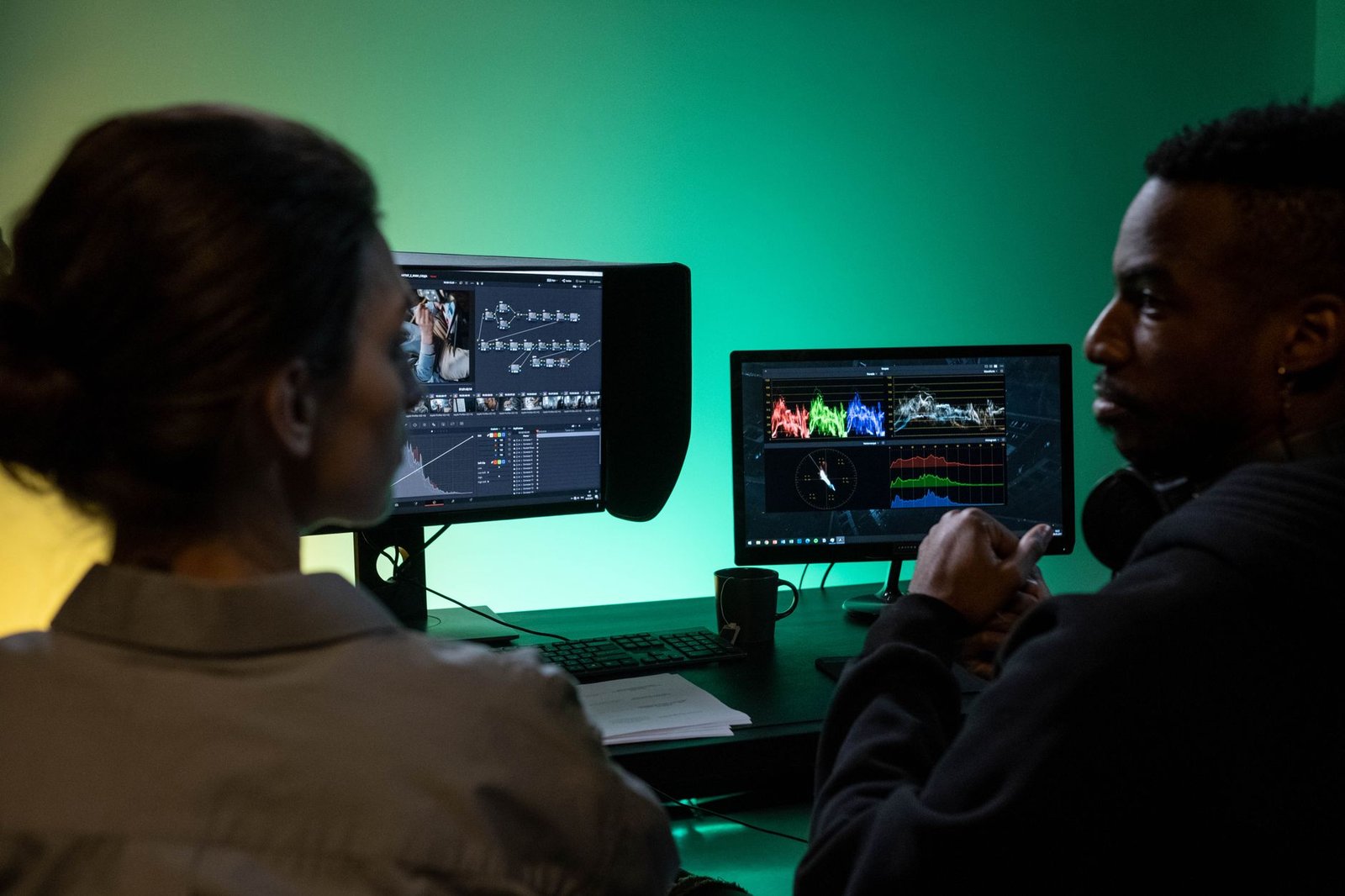
Achieving superior results with AI video enhancers involves more than just uploading your footage. The quality of your input material is paramount. For optimal AI processing, aim for the highest possible resolution source video, minimize compression artifacts, and ensure adequate lighting. Consider that an AI enhancer can work wonders on footage that is slightly noisy or soft, but it cannot magically create detail that simply isn’t there. Pre-processing steps like stabilizing shaky footage or color correction can also provide a better starting point for the AI, leading to more refined final output.
Understanding and Applying Settings
Most AI video enhancers offer a range of parameters that allow you to fine-tune the enhancement process. Familiarize yourself with what each setting controls, whether it’s noise reduction levels, sharpening intensity, or color restoration algorithms. It’s often beneficial to start with default or moderate settings and gradually adjust them. Experimentation is key; what works best can depend heavily on the source footage and the specific AI model you’re using. For instance, a tool like Topaz Video AI v5.0 offers presets like ‘Proteus’ for general enhancement, but also allows granular control over denoising, deblurring, and detail recovery.
The enhancement process is often best approached iteratively. Instead of applying a single, aggressive enhancement, consider applying moderate enhancements in multiple passes or using different AI models for different tasks (e.g., one for noise reduction, another for upscaling). Always preview the results frequently. Avoid over-enhancement, which can introduce unnatural artifacts, haloing, or a plastic-like appearance, destroying the video’s natural look. Keep an eye on processing times; complex enhancements or high-resolution footage can demand significant computational resources and time, sometimes hours for a single clip.
Finally, remember that AI enhancement is often just one step in your video production workflow. Plan for post-enhancement editing. The output from an AI video enhancer might still require color grading, audio mixing, or final cuts. Ensure your editing software is compatible with the enhanced footage format. For demanding tasks, consider the hardware requirements: a robust GPU, like an NVIDIA GeForce RTX 4090, can significantly speed up processing for complex AI models, making the iterative process more manageable within practical timeframes.
Frequently Asked Questions
What is the primary benefit of using an AI video enhancer?
The primary benefit is the ability to automatically improve video quality, specifically by increasing sharpness, reducing noise, and upscaling resolution. AI analyzes footage intelligently to correct imperfections that would be difficult or time-consuming to fix manually, leading to a more professional and visually appealing final product without extensive technical expertise.
Can AI video enhancers work on any type of video footage?
Yes, AI video enhancers can process a wide range of video footage, including older recordings, low-resolution clips, and videos captured in suboptimal lighting conditions. However, the quality of the output often depends on the quality of the input; while AI can significantly improve footage, it cannot magically create detail that was never present. Results are generally best with footage that has at least some existing detail.
Are AI video enhancers difficult to use?
Most modern AI video enhancers are designed with user-friendliness in mind. Many offer simple interfaces with preset options or automated processing, making them accessible even for beginners. More advanced users can typically access detailed controls to fine-tune the enhancement process. Trial versions are often available, allowing you to test usability before committing to a purchase.
How does AI video enhancement compare to traditional video editing software?
Traditional software requires manual adjustments for sharpening, noise reduction, and upscaling. AI enhancers automate these processes using machine learning algorithms trained on vast datasets. This often leads to more accurate and natural-looking results, especially for complex issues like noise and low resolution, and significantly reduces the time and skill required for effective enhancement.
What does ‘upscaling’ mean in the context of AI video enhancers?
Upscaling refers to the process of increasing the resolution of a video. For example, taking a 720p video and converting it to 1080p or 4K. AI video enhancers use intelligent algorithms to predict and generate new pixel information, adding detail and clarity that makes the higher-resolution video look much better than simple stretching or interpolation methods.
Are there free AI video enhancers available?
While many powerful AI video enhancers are premium software, some offer limited free versions or trial periods. These free options might have restrictions on features, resolution, processing time, or watermarks. For professional or extensive use, investing in a paid solution is usually recommended to access the full range of capabilities and higher quality output.
Final Thoughts
As we’ve explored, the landscape of AI video enhancers is rapidly evolving, offering unprecedented opportunities to refine and elevate video content. From sophisticated upscaling and noise reduction to intelligent artifact removal, these tools empower creators to achieve professional-grade results with greater efficiency. Selecting the right AI video enhancer depends on your specific needs, budget, and technical expertise, but the potential for transforming raw footage into polished, high-quality videos is immense.
Embrace these powerful AI solutions to unlock your video’s full potential. Start experimenting with a few of the top-rated enhancers today and see the difference AI can make in your next project.