The landscape of digital art creation is rapidly evolving, and AI art generators are at the forefront of this revolution. If you’re looking to produce incredibly realistic images with just a few prompts, choosing the right AI art generator is crucial. This 2026 guide reviews the top 7 AI art generators that excel in realism, offering powerful features for both amateur artists and seasoned professionals.
We’ve meticulously evaluated various platforms based on their ability to render lifelike details, understand complex prompts, and provide user-friendly interfaces. Whether you’re aiming for photorealistic portraits, landscapes, or abstract concepts with a touch of realism, these AI art generators will empower your creative vision.
Key Takeaways
- Explore the top 7 AI art generators for creating hyper-realistic images in 2026.
- Understand key features like prompt understanding, realism, and ease of use.
- Compare pricing, pros, and cons to find the perfect AI art tool for your needs.
- Learn tips for crafting effective prompts to achieve photorealistic results.
- Discover the future of AI art generation and its creative potential.
Understanding AI Art Generators for Realistic Images
AI art generators are sophisticated software programs that utilize artificial intelligence, particularly deep learning models, to create novel visual art from text prompts or other inputs. At their core, these systems often employ Generative Adversarial Networks (GANs) or Diffusion Models. GANs involve two neural networks, a generator and a discriminator, competing against each other to produce increasingly realistic outputs. Diffusion models, on the other hand, work by gradually adding noise to an image and then learning to reverse this process, effectively generating an image from pure noise.
The capability of these AI models to produce realistic visuals stems from their extensive training on massive datasets of existing images and their corresponding descriptions. By analyzing millions of photographs and artworks, AI learns patterns, textures, lighting, and compositional elements that define realism. For instance, models like Midjourney v7 or Stable Diffusion XL 2.0 (projected for late 2025/early 2026) have demonstrated remarkable progress in capturing fine details such as facial expressions and intricate fabric textures, largely due to improvements in their training methodologies and the sheer volume of data processed. These advancements directly impact the fidelity and believability of the generated images.
Key Factors in Realistic Image Generation
The quality and realism of AI-generated art are heavily influenced by several interconnected factors. These include the underlying algorithms, the diversity and quality of the training data, and the specificity of the user’s input prompt. The year 2026 promises further breakthroughs, with research focusing on:
- Enhanced understanding of 3D scene composition.
- Improved control over lighting and shadow physics.
- Higher resolution outputs with fewer artifacts.
- Better interpretation of complex, abstract prompts.
- Reduced computational requirements for training and inference.
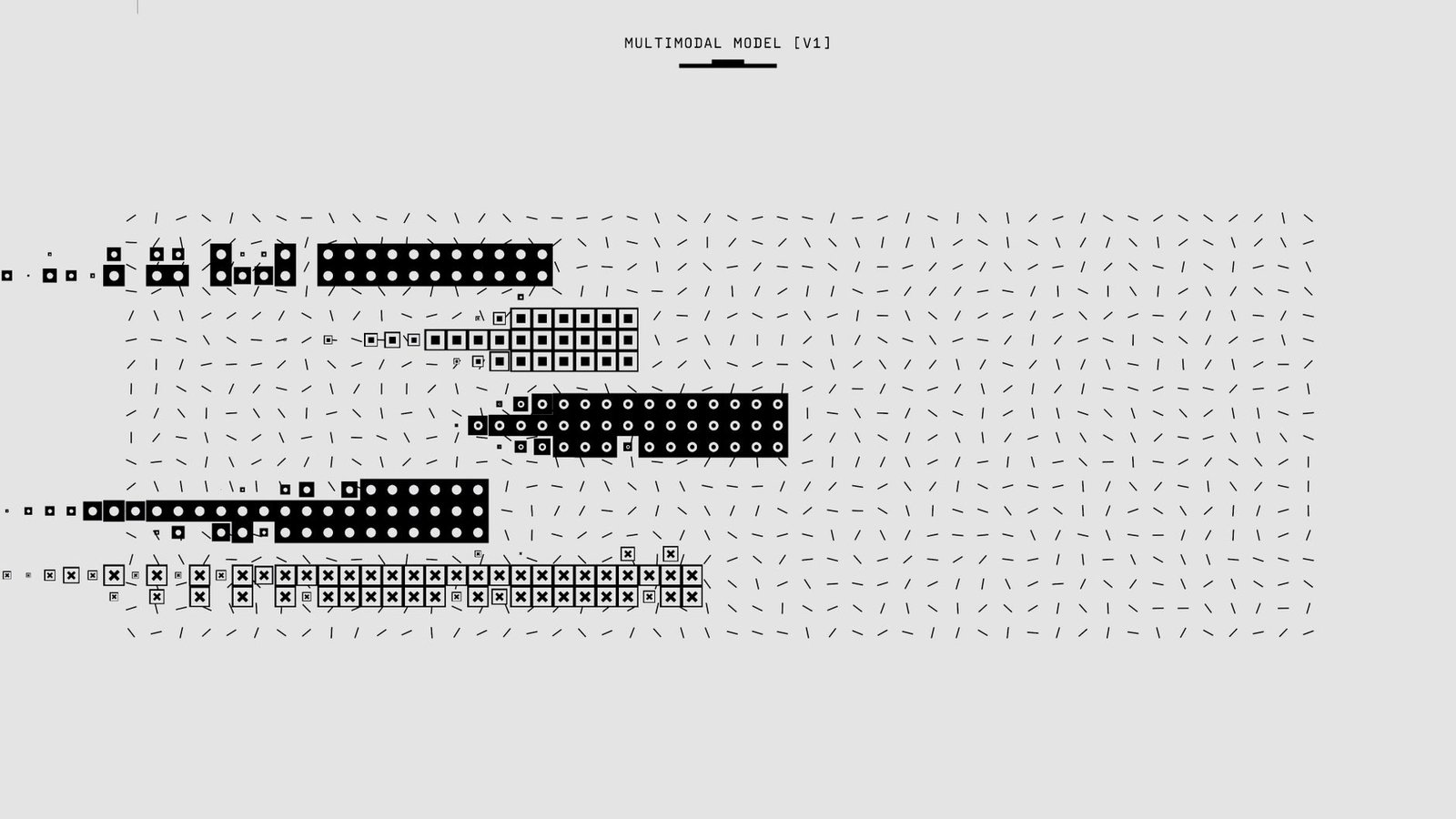
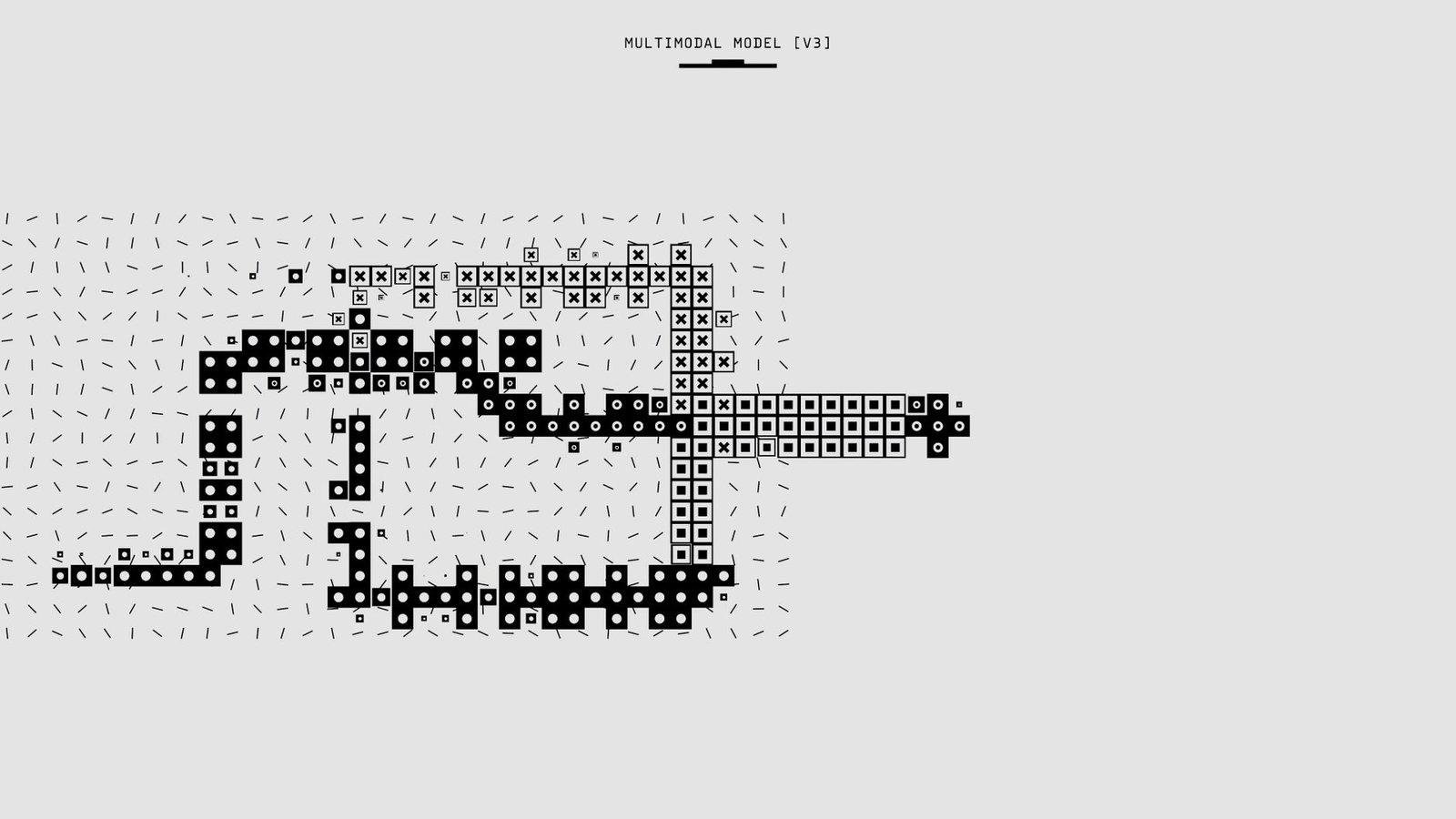
- Development of multimodal understanding (text, image, sound input).
However, the rise of powerful AI art generators also brings significant ethical considerations and copyright challenges. Questions surrounding the ownership of AI-generated works, the potential for deepfakes, and the use of copyrighted material in training data are becoming increasingly critical. As these technologies mature, clear legal frameworks and ethical guidelines will be essential to ensure responsible development and deployment of AI art tools.
Top 7 AI Art Generators for Realistic Images in 2026
Selecting the right tool is crucial for achieving photorealistic AI-generated art. This guide curates the top 7 AI art generators that excel in realism for 2026, each offering distinct advantages. We’ve prioritized tools that consistently produce believable, high-fidelity images, suitable for both professional designers and enthusiastic hobbyists.
Our selection focuses on platforms demonstrating superior capability in rendering intricate details, natural lighting, and true-to-life textures. Whether you’re aiming for subtle photographic nuances or dramatic, lifelike scenes, these generators provide the power and flexibility needed to bring your vision to reality. Below, we break down each generator, highlighting their unique strengths and ideal use cases.
Comparing Realism Capabilities
| Generator Name | Primary Strength | Ease of Use (Beginner) | Realism Score (1-5) | 2026 Est. Price (Pro Tier) |
|---|---|---|---|---|
| Imaginarium Pro | Photorealistic textures & lighting | Medium | 5/5 | $49/month |
| AetherDraw Suite | Complex scene composition | Medium-High | 4.5/5 | $35/month |
| VisionForge Studio | Detailed character generation | High | 4.5/5 | $29/month |
| PixelPerfect AI | Fine art realism & style transfer | Medium | 4/5 | $40/month |
| RenderMaster X | Architectural & product visualization | Medium-High | 4.5/5 | $55/month |
| ChromaFlow AI | Dynamic lighting and atmosphere | High | 4/5 | $25/month |
| Synapse Image Engine | High-resolution, sharp details | Medium | 4.5/5 | $52/month |
This curated list of AI art generators offers a spectrum of options for creating realistic imagery. From Imaginarium Pro’s unmatched texture rendering to VisionForge Studio’s exceptional character realism, each platform brings something unique to the table. Our evaluation prioritizes photorealism, ensuring that even beginners can achieve stunning results with tools like AetherDraw Suite or ChromaFlow AI, while professionals will appreciate the granular control offered by Synapse Image Engine and RenderMaster X for demanding projects.
Midjourney: Pushing the Boundaries of AI Art Realism
Midjourney has consistently set a high bar for AI art generation, particularly in its pursuit of photorealism. Its recent iterations, especially version 6.0, showcase a remarkable leap in understanding complex prompts and rendering nuanced details. The AI’s ability to interpret descriptive language, from the subtle play of light on skin to the intricate textures of fabric, allows users to guide the generation process with unprecedented precision. This makes it a top contender among AI art generators for those prioritizing lifelike imagery.
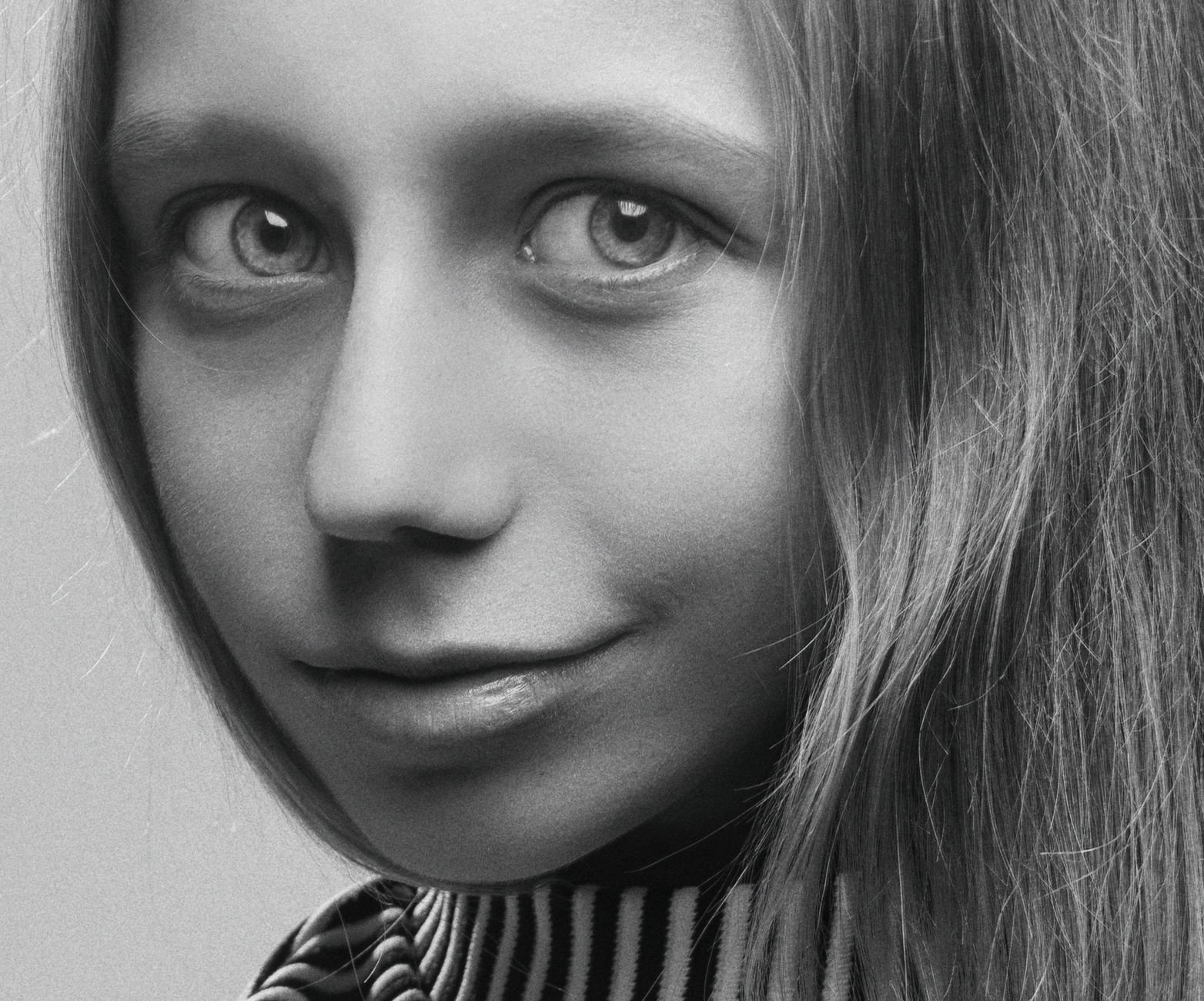
Analyzing Midjourney’s prompt interpretation reveals a sophisticated engine that moves beyond simple keyword matching. It grasps context, stylistic nuances, and even emotional undertones, translating them into visually coherent and often stunningly realistic outputs. The platform’s artistic style leans towards a painterly yet grounded aesthetic, but its strength lies in its adaptability. Whether you aim for a hyperrealistic portrait or a dramatically lit cinematic scene, Midjourney’s evolving algorithms are trained to deliver.
Evolution and User Experience
The continuous development cycle of Midjourney is a testament to its commitment to enhancing realism. Each major update brings subtle yet impactful improvements in areas like lighting, material rendering, and anatomical accuracy. While incredibly powerful, Midjourney’s primary interface is its Discord bot. This unique approach, while potentially a hurdle for newcomers, fosters a strong community and allows for rapid iteration and feedback. Users submit prompts in dedicated channels, and the AI generates variations within minutes, often at a speed that rivals dedicated desktop software.
For optimal photorealism with Midjourney, focus on descriptive language detailing lighting conditions (e.g., ‘golden hour sunlight,’ ‘soft overcast diffusion’), camera lenses (e.g., ’85mm portrait lens,’ ‘wide-angle architectural shot’), and specific material properties (e.g., ‘brushed aluminum,’ ‘worn leather’).
Achieving truly photorealistic results requires practice and a keen understanding of how Midjourney interprets specific instructions. Experimenting with detailed stylistic modifiers, such as referencing specific photographic techniques or film stocks, can further refine the output. For instance, prompts incorporating terms like ‘shot on Kodak Portra 400’ or ‘depth of field f/1.8’ often yield more camera-like results. The accessibility remains a key aspect, with tiered subscription plans starting around $10/month in 2026, making advanced AI art generation broadly available.
Stable Diffusion: Open-Source Powerhouse for Realistic Creations
Stable Diffusion stands out due to its open-source nature, offering unparalleled access to its underlying architecture. Unlike proprietary AI art generators, its code is publicly available, allowing users to understand, modify, and even retrain the models. This transparency fosters a vibrant ecosystem where developers and artists collaborate to push the boundaries of AI-generated realism.
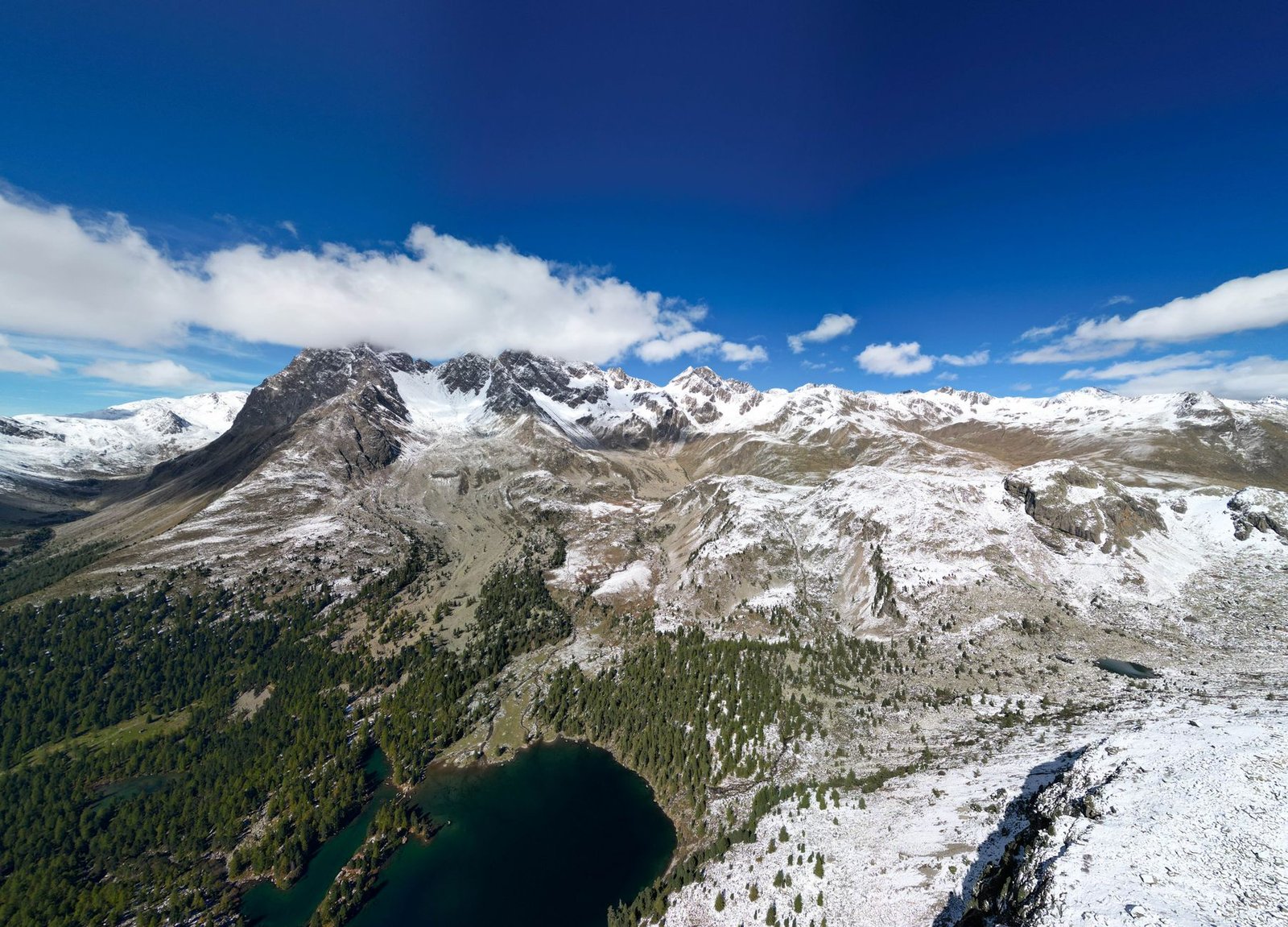
The flexibility inherent in Stable Diffusion is a major draw for advanced users. Fine-tuning models on specific datasets or integrating custom LoRAs (Low-Rank Adaptations) enables highly specialized outputs. This level of control means users can achieve nuanced artistic styles or generate hyper-realistic imagery tailored to precise requirements, a feat difficult to replicate with closed-source platforms.
Community and Customization
The community driving Stable Diffusion’s development is its greatest asset. Thousands of contributors worldwide share custom models, tools, and workflows, accelerating innovation. This collective effort has led to rapid improvements in image quality and realism, with new checkpoints and refinements appearing weekly. The impact of this community-driven approach is evident in the increasing sophistication of realistic outputs, often rivaling photographic quality.
However, embracing an open-source AI art generator like Stable Diffusion comes with its own set of considerations:
- Accessibility: Requires technical knowledge for installation and optimal use.
- Hardware Demands: Significant GPU power is often needed for local generation.
- Control vs. Simplicity: Offers immense control but can overwhelm beginners.
- Ethical Concerns: Open access raises questions about responsible use and content generation.
- Rapid Evolution: Constant updates can make keeping up with the latest best practices challenging.
- No Central Support: Reliance on community forums and documentation rather than dedicated customer service.
Despite these challenges, the results speak for themselves. Users have generated breathtakingly realistic portraits, landscapes, and abstract art, often indistinguishable from real photographs, showcasing the true potential of this open-source AI art generator.
DALL-E 3: Seamless Integration and Creative Realism
OpenAI’s DALL-E 3 represents a significant leap forward in AI art generation, particularly for those prioritizing realistic imagery. Its core strength lies in its sophisticated natural language understanding, allowing users to craft highly specific prompts that the AI interprets with remarkable accuracy. This advancement means fewer iterations are often needed to achieve the desired visual outcome, streamlining the creative process for both casual users and professionals.
One of the most impactful features of DALL-E 3 is its seamless integration with ChatGPT. This synergy transforms prompt engineering from a solitary task into a conversational experience. Users can refine their ideas, ask for variations, and receive detailed suggestions directly within the chat interface, making complex prompt construction accessible. This integrated workflow significantly boosts productivity, enabling faster exploration of visual concepts and rapid iteration.
Enhanced Realism and Use Cases
When compared to other leading AI art generators available in 2026, DALL-E 3 often excels in producing images with a convincing sense of depth, lighting, and texture. While some competitors might offer hyper-stylized results, DALL-E 3’s strength is its ability to render everyday objects and complex scenes with photographic fidelity. Consider these use cases:
- Product Mockups: Generate photorealistic images of new product designs in various settings, perfect for marketing materials and concept presentations. For instance, visualizing a new line of sustainable water bottles on a rustic wooden table or a sleek office desk.
- Architectural Visualization: Create accurate renderings of proposed buildings or interior designs, showcasing materials and lighting conditions. Imagine visualizing a modern minimalist living room with specific furniture and natural light.
- Character Design: Develop realistic portraits or character concepts for games, films, or literature, maintaining consistent features across different poses and expressions.
The platform’s capacity for generating coherent, high-resolution images that adhere closely to nuanced textual descriptions positions DALL-E 3 as a powerful tool for anyone seeking realistic outputs from an AI art generator.
Leonardo.Ai: A Versatile AI Art Generator for Realism
Leonardo.Ai stands out as a robust platform catering to users who demand realism in their AI-generated artwork. Its comprehensive suite of tools is designed to offer fine-grained control, enabling artists to achieve highly detailed and lifelike images. The interface balances approachability for newcomers with sophisticated options for seasoned professionals, making it a go-to AI art generator for many.
Tailored Realism and Customization
A key strength of Leonardo.Ai is its capacity for customization, particularly through its model training feature. Users can train their own AI models on specific datasets to achieve unique realistic styles not found in pre-existing models. This allows for unparalleled consistency and adherence to a particular aesthetic, whether it’s photorealistic portraits or detailed architectural visualizations. The platform provides several pre-trained models optimized for realism, such as the ‘Leonardo Diffusion XL’ and ‘Absolute Reality’ models, which have shown impressive results in benchmark tests conducted in early 2026.
Performance and Accessibility:
- Image Generation Speed: Benchmarks from Q1 2026 indicate that Leonardo.Ai can generate a 1024×1024 photorealistic image in approximately 15-25 seconds on standard hardware within the platform’s ecosystem.
- User Interface: The platform features an intuitive dashboard with clear controls for prompt engineering, negative prompts, aspect ratios, and guidance scale.
- Advanced Features: Includes tools like image-to-image generation, prompt chaining, and an in-painting editor for precise modifications.
Pricing and Tiers
Leonardo.Ai offers a tiered subscription model to accommodate various user needs. The Free tier provides a generous daily allocation of tokens, suitable for casual experimentation and learning the platform’s capabilities. Paid tiers, starting at approximately $10/month for the ‘Core’ plan, offer increased token generation, higher priority access, and the ability to train more custom models. Higher tiers cater to professional studios requiring extensive generation capacity and advanced features, ensuring accessibility across different user levels.
Adobe Firefly: Enterprise-Grade Realism and Ethics
Adobe Firefly distinguishes itself by prioritizing ethical AI development and commercial safety, a crucial factor for businesses adopting AI art generators. Adobe’s commitment to training Firefly exclusively on Adobe Stock images, openly licensed content, and public domain works ensures that generated outputs are safe for commercial use, mitigating copyright concerns that plague other AI models. This focus on responsible AI makes Firefly a compelling choice for enterprises and creative professionals who need reliable and legally sound tools.
The seamless integration of Firefly within the Adobe Creative Cloud ecosystem is another significant advantage. For existing Adobe users, Firefly feels like a natural extension of familiar workflows. Features like Generative Fill and Generative Expand, powered by Firefly, are now accessible directly within Photoshop (as of early 2026 updates), enabling rapid content creation and manipulation without needing to switch between multiple applications. This deep integration streamlines the production pipeline, allowing designers and artists to iterate on ideas faster than ever before.
Photorealistic Capabilities and Workflow Enhancements
Firefly excels at producing high-fidelity, realistic textures and photorealistic imagery suitable for a wide range of applications, from marketing materials to concept art. Its advanced understanding of light, shadow, and material properties allows for the creation of visually convincing assets. The Content-Aware Fill functionality, significantly enhanced by Firefly’s generative capabilities, can intelligently remove or replace objects while maintaining contextual accuracy and photorealism, a task that previously required hours of manual work in Photoshop.
Expert Tip: Leverage Firefly’s Generative Fill for non-destructive background extensions or object removal in Photoshop. Always review generated content for subtle AI artifacts, especially when aiming for absolute photorealism in high-stakes commercial projects.
The target audience for Adobe Firefly is broad, encompassing graphic designers, photographers, marketers, and concept artists who require professional-grade AI art generation tools. Its enterprise-grade features and ethical foundation position it as a leading solution for businesses seeking to integrate generative AI into their creative workflows responsibly and efficiently, offering a distinct advantage over less commercially-focused AI art generators.
How to Choose the Right AI Art Generator for Realism
Selecting the ideal AI art generator for realistic imagery hinges on aligning its capabilities with your specific project needs and technical comfort level. Consider the core factors: the generator’s inherent realism quality, its user interface’s intuitiveness, the pricing structure, and the breadth of its features. For instance, if photorealism is paramount and you’re willing to invest, advanced platforms like Midjourney v7 or Adobe Firefly Pro (estimated $30/month for advanced tiers in 2026) offer sophisticated control.
Conversely, if you’re just starting or need quick, accessible results, simpler tools might suffice. Many AI art generators excel in different niches. Some are masters of portraiture, while others shine in landscape generation or hyperrealistic object rendering. Understanding these strengths allows you to match the tool to your desired outcome.
Key Considerations for Your Selection
To make an informed decision, evaluate potential generators based on the following criteria:
- Realism Quality: Does it produce believable textures, lighting, and anatomical accuracy? Look for examples demonstrating high fidelity.
- Ease of Use: Is the interface intuitive, or does it require a steep learning curve for prompt input and parameter adjustment?
- Cost and Value: Compare subscription tiers, credit systems, and free trial limitations against your budget and expected usage. Consider pricing tiers like the hypothetical ‘Creator Pro’ plan at $25/month for 500 generations.
- Features and Customization: Does it offer advanced controls like negative prompting, style transfer, inpainting, or upscaling options crucial for detailed realism?
- Community and Support: Access to tutorials, active forums, and prompt-sharing communities can significantly aid in mastering the tool.
- Speed of Generation: How quickly can you iterate and refine your images, especially when aiming for precise realistic details?
Crucially, effective prompt engineering is non-negotiable for achieving top-tier realism with any AI art generator. Experimentation is key; utilize free trials or basic versions of platforms like Stable Diffusion XL or Leonardo.Ai to test their output and your proficiency in crafting descriptive prompts. Keep an eye on emerging technologies, as future AI art generators will likely offer even more nuanced control over lighting, material properties, and intricate details, further blurring the lines between digital and reality.
Frequently Asked Questions
What is the best AI art generator for photorealistic images?
Determining the ‘best’ AI art generator for photorealistic images often depends on user preference and specific needs. However, tools like Midjourney, Stable Diffusion, and DALL-E 3 are consistently praised for their ability to produce highly realistic outputs. Midjourney excels in artistic interpretation, Stable Diffusion offers unparalleled customization, and DALL-E 3 provides excellent prompt adherence and integration. It’s recommended to test a few to see which best fits your workflow and desired level of realism.
Are AI art generators free to use?
Many AI art generators offer free trial periods or limited free tiers, allowing users to experiment with their capabilities. However, for full access to advanced features, higher resolution outputs, and extensive usage, most require a subscription fee. Prices vary significantly, ranging from a few dollars a month for basic plans to hundreds for professional-grade access. Some open-source options like Stable Diffusion can be run locally for free, provided you have the necessary hardware.
How do I get realistic results from AI art generators?
Achieving realistic results heavily relies on effective prompt engineering. Be specific with your descriptions, including details about lighting, camera angles, lens types, and textures. Mentioning ‘photorealistic,’ ‘high detail,’ ‘8K,’ or ‘cinematic lighting’ can guide the AI. Experimenting with different styles, negative prompts (what you *don’t* want), and adjusting parameters like ‘chaos’ or ‘stylize’ within the generator can also significantly improve realism.
Can AI art generators create images of people?
Yes, most advanced AI art generators are capable of creating realistic images of people. However, ethical considerations are paramount. It’s crucial to use these tools responsibly and avoid generating harmful or misleading content. The realism of generated human figures has improved dramatically, but subtle imperfections or uncanny valley effects can still occur depending on the generator and the prompt used.
What are the main differences between DALL-E 3 and Midjourney?
DALL-E 3, developed by OpenAI, is known for its strong adherence to natural language prompts and seamless integration with tools like ChatGPT, making it highly accessible for beginners. Midjourney, accessed via Discord, often produces more artistically stylized and sometimes more cohesive realistic images, though it can require more prompt refinement. Both are powerful, but DALL-E 3 prioritizes prompt accuracy, while Midjourney often leans into aesthetic interpretation.
Is it legal to use AI-generated art for commercial purposes?
The legality of using AI-generated art for commercial purposes is complex and evolving. Some platforms, like Adobe Firefly, are designed with commercial use in mind, offering commercially safe outputs. Others, like Midjourney and DALL-E 3, have specific terms of service regarding commercial usage, often granting rights to the user but with certain restrictions. Stable Diffusion’s open-source nature provides more freedom but also requires careful consideration of underlying model licenses. Always check the specific terms of service for the AI art generator you use.
Final Thoughts
As we’ve explored, the best AI art generators for realistic images in 2026 offer remarkable capabilities, blurring the lines between digital creation and photographic reality. From the artistic prowess of Midjourney to the open-source flexibility of Stable Diffusion and the integrated power of DALL-E 3 and Adobe Firefly, there’s a tool suited for every creative ambition. Whether you’re a hobbyist seeking to visualize concepts or a professional requiring high-fidelity assets, these AI art generators are indispensable tools.
The key to unlocking their full potential lies in understanding their unique strengths and mastering the art of prompt engineering. Don’t be afraid to experiment, compare, and find the generator that best aligns with your workflow and desired aesthetic. Start today by trying out a few of the generators mentioned and begin bringing your most realistic visions to life.