
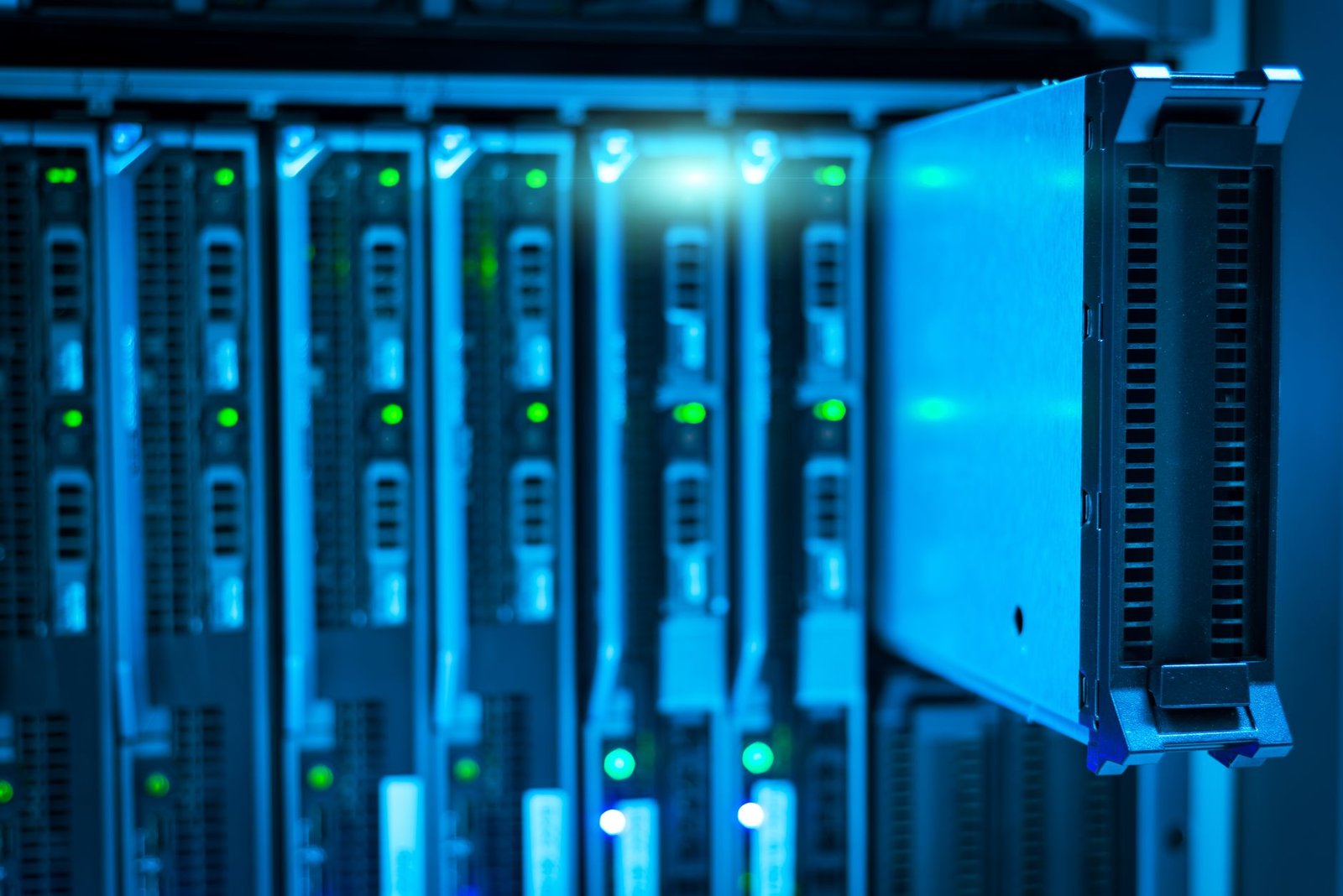
For those prioritizing absolute data control and robust privacy, self-hosted cloud storage solutions are paramount in 2026. Unlike commercial cloud services that rely on third-party infrastructure, self-hosted options put you in complete command of your digital assets, eliminating concerns about data breaches or policy changes by providers. This guide delves into the top self-hosted cloud storage platforms, analyzing their features, security protocols, and ease of use to help you find the best fit for your needs.
We’ll explore versatile software designed to run on your own hardware, ensuring your sensitive information remains exclusively yours. Whether you’re an individual seeking enhanced personal privacy or a small business requiring secure file sharing, understanding these options is crucial for safeguarding your data in an increasingly connected world.
Key Takeaways
- Prioritize self-hosted cloud storage for maximum data control and privacy.
- Evaluate features like encryption, access control, and backup options carefully.
- Consider your technical skill level and hardware resources for implementation.
- Compare specific solutions based on scalability, cost, and community support.
- Choose a platform that aligns with your long-term data security strategy.
What is Self-Hosted Cloud Storage?
Self-hosted cloud storage means you manage your own cloud infrastructure rather than relying on a third-party provider. Instead of uploading your files to servers owned by companies like Google, Dropbox, or Microsoft, you set up and maintain your own storage system, typically in your home or office. This approach grants you complete command over your data, from where it’s stored to who can access it.
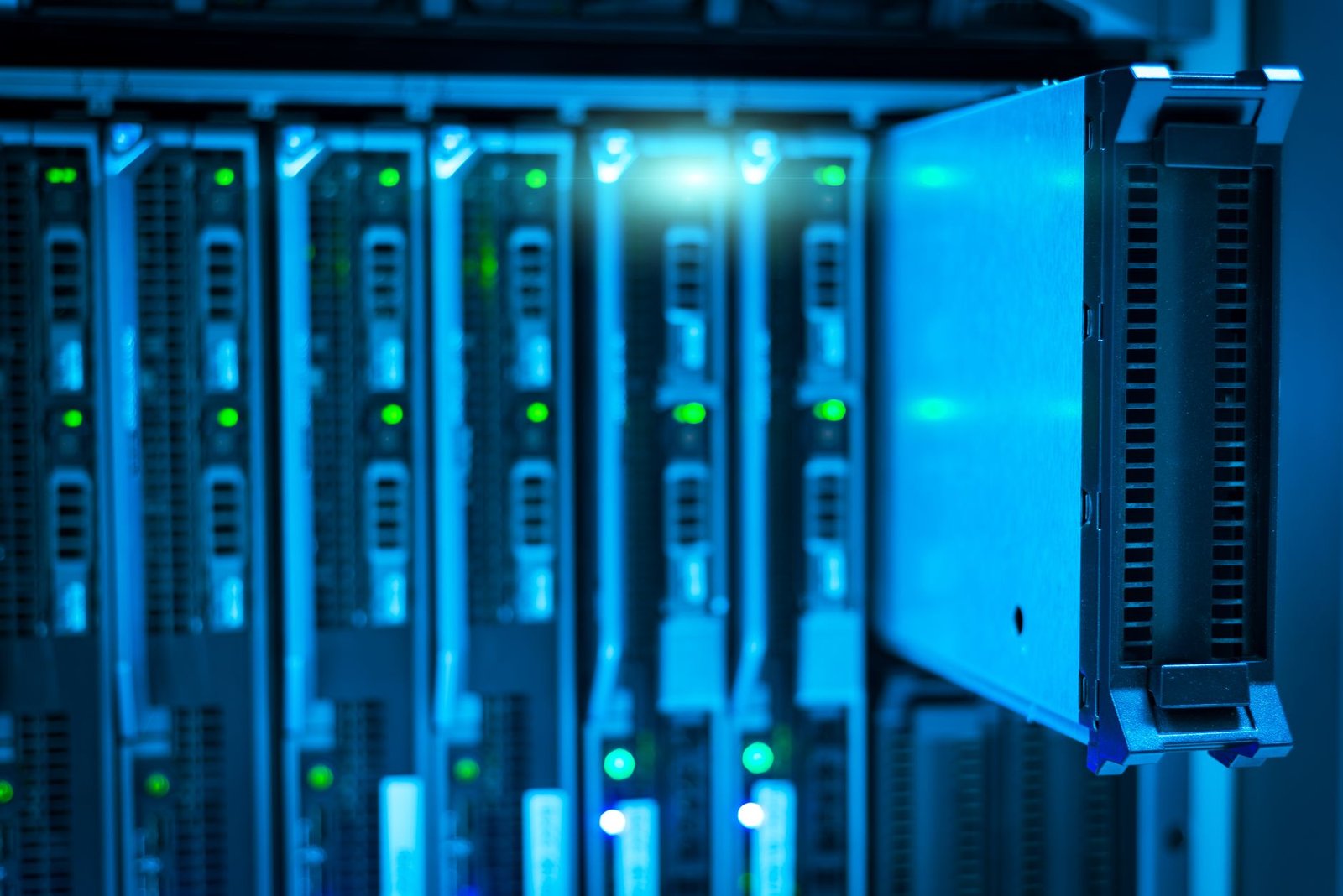
The fundamental difference lies in ownership and control. Commercial services offer convenience and ease of use, but your data resides on their hardware, subject to their terms of service and privacy policies. Self-hosting flips this model, putting you in the driver’s seat. Imagine running your own Nextcloud instance on a Raspberry Pi 5 (available for around $80 in early 2026) or a dedicated server like the Dell PowerEdge T1600 (starting around $800). This allows for unparalleled privacy and security.
Key Advantages and Considerations
Choosing to self-host offers significant benefits, primarily revolving around privacy, security, and customization. You dictate access permissions, encryption methods, and data retention policies. This is particularly appealing for sensitive personal files or proprietary business information. Furthermore, you can tailor the storage solution precisely to your needs, integrating it with other services or scaling it as required. However, self-hosting isn’t without its challenges. It requires a degree of technical proficiency for setup and ongoing maintenance. Expect to handle software updates, hardware troubleshooting, and potentially network configuration. The initial cost of hardware and the time investment can also be substantial compared to free or low-cost commercial tiers.
When considering self-hosted cloud storage, think about your specific needs. Common use cases include:
- Storing and synchronizing personal documents and photos across multiple devices.
- Creating a secure backup solution for critical business data.
- Building a private media server for movies, music, and other digital content.
- Collaborating on projects with controlled access for team members.
- Archiving large datasets that are too costly to store commercially.
- Hosting personal websites or development environments.
The primary keyword, self-hosted cloud storage, represents a powerful alternative for users who prioritize data sovereignty and are willing to invest the effort to achieve it. While commercial services cater to the masses with plug-and-play solutions, self-hosting empowers individuals and businesses with ultimate control.
Top Self-Hosted Cloud Storage Software Options in 2026
Choosing the right self-hosted cloud storage software is crucial for maintaining control over your data. Several robust platforms stand out in 2026, each offering a unique blend of features, philosophies, and community backing. We’ll explore the leading contenders, focusing on their strengths for users prioritizing privacy and flexibility.
Platform Overviews
Nextcloud is a prominent open-source solution, built on a fork of ownCloud. It targets individuals and organizations seeking a comprehensive suite of collaboration and productivity tools, extending beyond simple file storage with integrated chat, calendars, and office suites. ownCloud, the original project, focuses on enterprise-grade features and security, often appealing to businesses that require robust data governance and compliance tools.
Seafile offers a different approach, emphasizing speed, reliability, and high performance, especially for large file synchronization. Its architecture is designed for efficiency, making it a strong choice for users with extensive media libraries or large datasets. Each platform provides a solid foundation for personal cloud solutions.
Feature Comparison
When evaluating self-hosted cloud storage, core functionalities like file synchronization across devices, secure sharing options, and collaborative editing capabilities are paramount. Ease of setup and ongoing management also significantly impact user experience. The strength of community support and the pace of development are vital indicators of a platform’s future viability and security.
| Platform | Primary Focus | File Sync & Share | Collaboration | Setup Complexity | Community Support |
|---|---|---|---|---|---|
| Nextcloud | All-in-one collaboration suite | Excellent | High (Apps, Office, Talk) | Moderate | Very Active |
| ownCloud | Enterprise data control | Very Good | Good (Core features) | Moderate-High | Active |
| Seafile | Performance and reliability | Excellent | Basic (File sharing) | Moderate | Good |
Nextcloud: Feature-Rich Self-Hosted Cloud Storage
Nextcloud stands out as a powerful and versatile self-hosted cloud storage solution, built upon a robust PHP foundation. Its architecture is designed for flexibility, allowing users to tailor the platform to their specific needs through a vast ecosystem of apps and integrations. This open-source project has rapidly evolved, offering a compelling alternative to commercial cloud services for those prioritizing data sovereignty and privacy.
At its core, Nextcloud excels in providing essential cloud functionalities. Expect seamless file synchronization across all your devices, robust file versioning to recover from accidental changes, and granular sharing options for both internal users and external collaborators. Beyond file management, Nextcloud integrates a comprehensive suite for personal organization, including a powerful calendar and contacts manager, effectively consolidating your digital life in one secure, self-managed environment.
Key Features and Security
Security is paramount in Nextcloud’s design. It supports end-to-end encryption for sensitive data and offers multi-factor authentication (2FA) options to bolster account security. Advanced user and group management capabilities allow administrators to precisely control access permissions within an organization. The platform’s extensibility is a major draw, with hundreds of available apps for adding features like project management, collaborative editing, video conferencing, and more, turning your Nextcloud instance into a true productivity hub.
Expert Tip: For optimal performance and stability, especially with frequent file access or a large user base, consider dedicating sufficient RAM and opting for a fast SSD for your Nextcloud server. Aim for at least 4GB RAM and a 500MB/s SSD for a smooth experience.
Deploying Nextcloud is adaptable to various technical skills and infrastructure. You can run it directly on bare metal servers, leveraging Linux distributions like Ubuntu Server 22.04 LTS, or opt for a more isolated and easily managed setup using Docker containers. The official Nextcloud Docker image is well-maintained and simplifies the initial setup process significantly, making it accessible even for those new to containerization.
ownCloud: The Enterprise-Grade Self-Hosted Alternative
When it comes to robust, security-focused self-hosted cloud storage, ownCloud stands out as a formidable option, particularly for businesses and large organizations. Its architecture is built with enterprise needs at its core, emphasizing granular access controls, comprehensive auditing, and compliance features essential for regulated industries. Unlike some consumer-focused solutions, ownCloud provides a stable, predictable platform designed for mission-critical data management.
While often compared to its popular fork, Nextcloud, ownCloud operates under a different philosophy. Nextcloud fosters a vibrant open-source community and offers a wider array of free, community-driven apps. In contrast, ownCloud, especially its enterprise version, offers dedicated support, extended security features, and more predictable release cycles, albeit often with associated licensing costs. This makes the choice between them dependent on whether your priority is broad community feature development or stringent, professionally supported enterprise-grade functionality. For example, ownCloud’s File Access Control Lists (ACLs) offer more sophisticated permission management than Nextcloud’s standard user/group permissions.
Advanced Collaboration and Workflow Integration
ownCloud excels in providing sophisticated tools for team collaboration and streamlining complex workflows. Its platform allows for advanced file sharing, version control, and commenting directly within the interface, facilitating seamless teamwork. For businesses looking to integrate self-hosted cloud storage into their existing operations, ownCloud offers:
- Federated cloud sharing capabilities
- Integration with external storage solutions (e.g., S3, Azure Blob Storage)
- WebDAV and CalDAV/CardDAV support for calendar and contact synchronization
- API access for custom application development
- On-premises authentication via LDAP/Active Directory
- Integration with enterprise search tools like Elasticsearch
These features allow organizations to maintain a high degree of control over their data while leveraging the benefits of cloud-like accessibility and collaboration, making it a powerful self-hosted cloud storage solution for demanding environments.
Seafile: Performance and Reliability for Your Self-Hosted Cloud
Seafile distinguishes itself in the self-hosted cloud storage arena with a unique file synchronization mechanism. Unlike traditional block-level sync, Seafile operates on file-level syncing, but with a twist: it creates file libraries that are essentially version-controlled. This approach significantly boosts performance, especially when dealing with large files or numerous small files. It also enhances reliability by ensuring that even if a sync is interrupted, only the changed parts of a file are re-transmitted, minimizing data corruption risks and speeding up recovery.
Optimized for Large Files and Data Integrity
For users and organizations frequently working with extensive datasets, Seafile’s architecture is a major advantage. Its file-level approach, combined with the ability to handle large files efficiently, makes it suitable for media production, scientific research, or any field where large data volumes are common. Data integrity is further reinforced through checksums and the versioning system, allowing users to revert to previous states of files or libraries if issues arise. This robust data protection is a cornerstone of a dependable self-hosted cloud solution.
Security and Multi-Platform Access
Seafile offers strong security features, including optional end-to-end encryption for sensitive data, ensuring that only authorized users can access their files. While the server-side encryption encrypts data at rest, end-to-end encryption protects it during transit and storage from server administrators as well. The system supports multiple clients across various platforms, including Windows, macOS, Linux, iOS, and Android. These clients provide seamless synchronization, allowing users to access and manage their files from virtually any device, a critical feature for modern workflows.
Installation and Ongoing Management
Setting up Seafile involves a straightforward installation process, typically requiring a web server (like Nginx or Apache) and a database (MySQL or PostgreSQL). For typical small to medium deployments in 2026, the resource requirements remain modest, often manageable on a standard VPS or dedicated server. Regular updates are released, maintaining security and introducing new features, making ongoing maintenance a manageable task for administrators focused on providing a reliable self-hosted cloud storage experience.
DIY Self-Hosted Cloud Storage with NAS Devices
For those seeking a more hands-on approach to self-hosted cloud storage, Network Attached Storage (NAS) devices offer a compelling solution. Brands like Synology (e.g., the DiskStation DS224+) and QNAP (e.g., the TS-264) provide dedicated hardware that simplifies setting up a personal cloud. These devices are essentially small, specialized computers designed for file storage and sharing, often featuring user-friendly interfaces that abstract away much of the underlying complexity.
Modern NAS units come equipped with robust built-in features for cloud synchronization and remote access. This means you can often configure your NAS to mirror specific folders to public cloud services for backup or access your files from anywhere with an internet connection, similar to commercial cloud offerings but under your direct control. The convenience of accessing your documents, photos, and media library from your smartphone or laptop while traveling is a significant advantage.
NAS vs. Software Solutions
When comparing dedicated NAS devices to software-only self-hosted cloud storage solutions (like Nextcloud or ownCloud installed on a server), NAS generally offers superior ease of use and integration. The hardware is purpose-built, and the operating systems are optimized for storage tasks, often including features like scheduled backups and surveillance station capabilities. However, software solutions can offer greater flexibility and potentially lower upfront costs if you already have suitable server hardware.
Expert Tip: When setting up remote access for your NAS, always prioritize security. Utilize strong, unique passwords, enable two-factor authentication if available, and consider setting up a VPN connection to your home network instead of directly exposing your NAS to the internet. Services like Synology QuickConnect or myQNAPcloud offer convenience but understand the security trade-offs.
Essential Considerations for Reliability
Two critical aspects of any self-hosted setup are data redundancy and backup. Most NAS devices support RAID (Redundant Array of Independent Disks) configurations. For example, RAID 1 mirrors data across two drives, so if one fails, your data remains accessible on the other. RAID 5 or RAID 6 offer better redundancy for larger arrays but come with a performance penalty. Beyond RAID, implement a separate backup strategy, perhaps to an external USB drive, another NAS, or a different cloud provider, ensuring your data is protected against catastrophic hardware failure or site-wide disasters.
Security Best Practices for Self-Hosted Cloud Storage
Implementing robust security measures is paramount when managing your own self-hosted cloud storage. A proactive approach ensures your sensitive data remains protected from unauthorized access and potential breaches. Neglecting these steps can undermine the very privacy benefits you seek by moving away from commercial cloud providers.
Essential Security Layers
At the core of your security strategy should be the diligent management of access credentials and software integrity. Employing strong, unique passwords for all user accounts and administrative interfaces is non-negotiable. Furthermore, enabling two-factor authentication (2FA) adds a critical layer of defense, making it significantly harder for attackers to gain access even if they compromise a password. Consider hardware security keys like YubiKey for an extra layer of protection in 2026.
Regularly updating your server operating system, cloud storage software (like Nextcloud or Synology DSM), and any associated applications is crucial. Developers frequently release patches to address newly discovered vulnerabilities. Ignoring these updates, often available for free and taking only minutes to apply, leaves your system exposed to known exploits. Keep an eye on release notes for critical security advisories from your chosen software vendors.
Network security and data protection are equally vital components of a secure self-hosted setup:
- Firewall Configuration: Restrict incoming traffic to only necessary ports and protocols. Implement rules to block suspicious IP addresses automatically.
- VPN Usage: Encrypt all remote access to your storage server using a Virtual Private Network (VPN) service or a self-hosted VPN solution like WireGuard.
- Data Encryption: Enable full-disk encryption for your server’s storage drives. Additionally, ensure data is encrypted in transit using TLS/SSL certificates for all connections.
- User Access Management: Implement the principle of least privilege. Grant users only the access rights necessary for their tasks. Regularly review and revoke unnecessary permissions.
- Regular Backups: Schedule automated, regular backups of your data to an offsite location or a separate physical device. Develop and test a disaster recovery plan to ensure data can be restored quickly in case of hardware failure or other incidents.
By consistently applying these security best practices, you significantly enhance the protection of your self-hosted cloud storage, safeguarding your valuable data and maintaining your privacy.
Choosing the Right Self-Hosted Cloud Storage for Your Needs
Selecting the optimal self-hosted cloud storage solution hinges on a careful assessment of your personal circumstances and technical capabilities. Before diving in, honestly evaluate your technical expertise and the amount of time you can dedicate to setup, maintenance, and troubleshooting. Some solutions, like Nextcloud, offer comprehensive features but require more hands-on management, while others, such as Seafile (with its more streamlined approach), might be easier for beginners. Consider if you’re comfortable with command-line interfaces or prefer a graphical installer.
Next, clearly define your storage capacity and scalability requirements. Are you storing a few gigabytes of documents, or do you anticipate petabytes of media files in the coming years? Solutions like Synology NAS devices offer modular expansion options, allowing you to add more drives as your data grows. Alternatively, a software-only solution like TrueNAS CORE running on custom hardware provides immense flexibility for scaling, though it demands a greater understanding of storage concepts like ZFS.
Evaluating Key Factors
- Technical Prowess & Time Commitment: Be realistic about how much time you can invest in setup and ongoing maintenance.
- Capacity & Scalability: Project your current needs and future growth to select a system that can expand with you. Consider options ranging from a single Raspberry Pi for basic needs to a full server rack for enterprise-level storage.
- Security & Privacy: Determine your threat model. Do you need end-to-end encryption, multi-factor authentication, or specific compliance features? For instance, if protecting sensitive financial data is paramount, robust encryption and access controls are non-negotiable.
- Budget: Factor in the initial hardware investment (e.g., a NAS, server, or even just a powerful PC), software licenses (if any), and potential ongoing costs for electricity or a dedicated server hosting provider if you opt for remote deployment. For example, a modest NAS might cost around $400-$600 in 2026, whereas a dedicated server can easily run into thousands.
Thoroughly test potential solutions in a virtual environment or on spare hardware before committing. Explore the user interfaces, backup capabilities, and sync performance. Many platforms, such as Nextcloud and ownCloud, offer free community editions that allow extensive testing. This crucial step prevents costly mistakes and ensures your chosen self-hosted cloud storage aligns perfectly with your unique needs, offering peace of mind and secure data control.
Frequently Asked Questions
Is self-hosted cloud storage more secure than Google Drive or Dropbox?
Yes, self-hosted cloud storage can be significantly more secure if configured and managed properly. You have complete control over the hardware, software, encryption, and access policies, eliminating reliance on a third-party provider’s security measures and potential data mining. However, security is entirely your responsibility, meaning misconfigurations can leave your data vulnerable.
What technical skills are needed to set up self-hosted cloud storage?
The technical skill level varies greatly depending on the solution. Basic NAS devices offer user-friendly interfaces, while software like Nextcloud or ownCloud might require some familiarity with server administration, command lines, web servers (like Apache or Nginx), and database management. Docker can simplify deployment for those comfortable with containerization. A willingness to learn and troubleshoot is essential.
How much does self-hosted cloud storage cost?
Costs vary. You’ll need to factor in the price of hardware (a computer, server, or NAS device), potential storage drives, and electricity. Software for Nextcloud and ownCloud is free and open-source, but enterprise versions or paid support may incur costs. Seafile has free and paid editions. If you rent a VPS, you’ll have monthly hosting fees.
Can I access my self-hosted files from anywhere?
Yes, most self-hosted cloud storage solutions are designed for remote access. This typically involves configuring your router to forward specific ports to your server or using a VPN for a more secure connection. Services like Nextcloud and ownCloud offer mobile and desktop clients that sync files seamlessly, mimicking the experience of commercial cloud services.
What happens if my self-hosted server hardware fails?
Hardware failure is a critical risk with self-hosted solutions. To mitigate this, implementing a robust backup strategy is crucial. This involves regularly backing up your data to a separate location (e.g., another drive, an external service, or offsite). Using RAID configurations on NAS devices can provide redundancy against single drive failures, but it is not a substitute for backups.
Is self-hosted cloud storage suitable for businesses?
Absolutely. For businesses handling sensitive data, self-hosted cloud storage offers superior privacy and control compared to public cloud options. It allows for customization of features, granular user permissions, and compliance with strict data residency requirements. However, it requires dedicated IT resources for setup, maintenance, and security.
Final Thoughts
Opting for self-hosted cloud storage in 2026 is a definitive step towards reclaiming your digital privacy and ensuring complete control over your data. While commercial solutions offer convenience, they inherently involve trusting a third party with your most sensitive information. Platforms like Nextcloud, ownCloud, and Seafile, or even a well-configured NAS, provide robust alternatives that empower you to manage your files securely on your own terms.
The decision hinges on balancing features, ease of use, and your specific technical capabilities. By carefully considering the options outlined in this guide and implementing recommended security practices, you can build a reliable and private cloud storage solution tailored to your unique requirements. Start by assessing your needs today and take the first step towards a more secure digital future.