
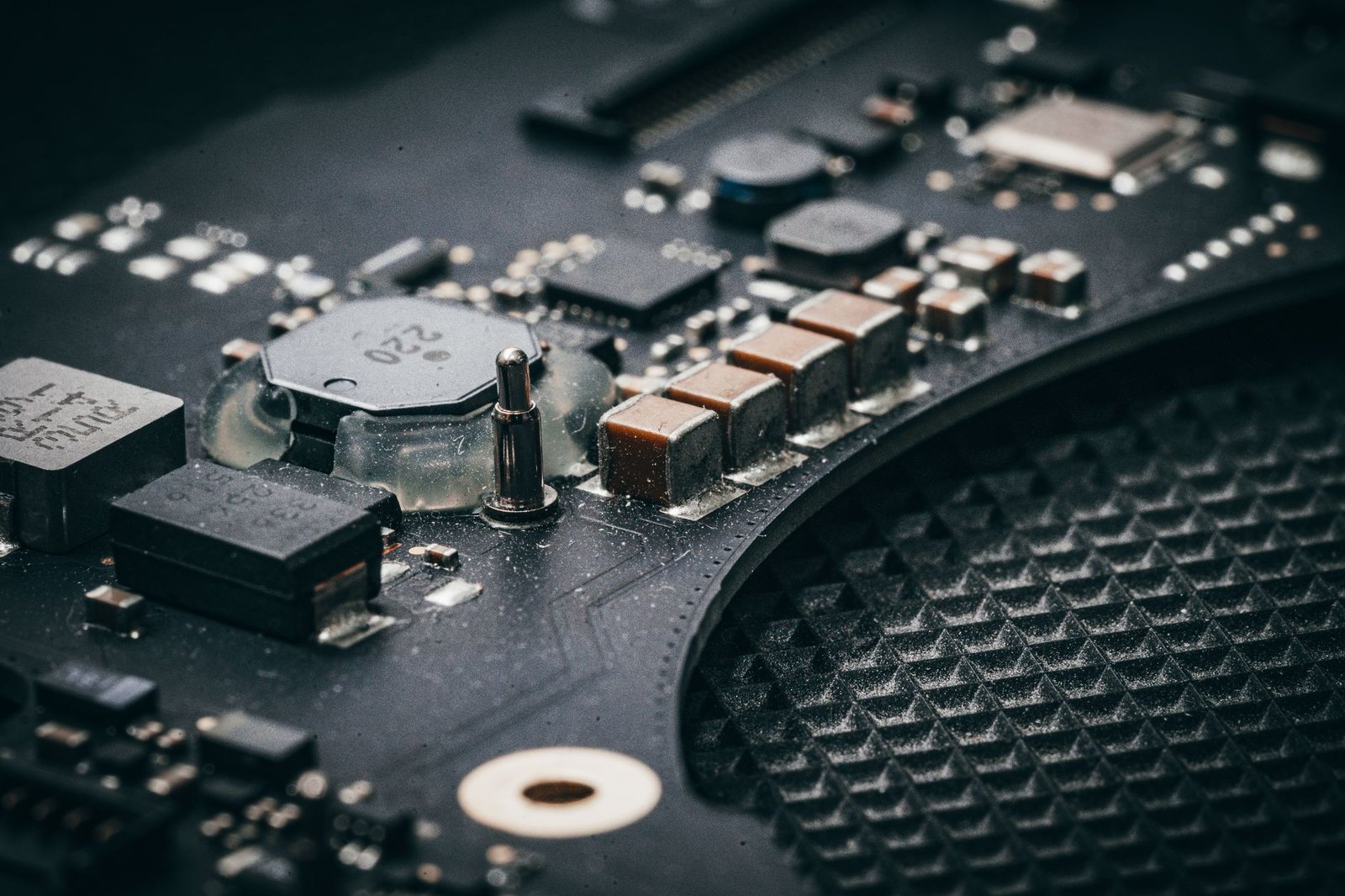
The fastest M4 chip laptops are here, and the competition between Apple’s MacBook Air and MacBook Pro lines is fiercer than ever in 2026. If you’re seeking unparalleled speed and efficiency for demanding tasks, understanding the nuances of these M4-powered machines is crucial. This guide directly addresses which M4 chip laptop reigns supreme, breaking down performance metrics, design, battery life, and value to help you make an informed decision for your professional or creative needs.
We’ll explore the specific advantages each model brings to the table, ensuring you can identify the perfect fit for your workflow without unnecessary jargon. Get ready to discover the ultimate M4 chip laptop experience.
Key Takeaways
- MacBook Pro M4 offers superior performance for intensive tasks like video editing and 3D rendering.
- MacBook Air M4 provides excellent speed and portability for everyday productivity and creative work.
- Key differentiators include display quality, port selection, and active cooling systems.
- Battery life remains a strong suit for both M4 chip laptops, though Pro models edge out Air slightly under heavy load.
- Pricing varies significantly; consider your budget and primary use case for the best value.
Understanding the M4 Chip: A New Era of Performance
Apple’s M4 chip marks a significant leap forward in processor technology, ushering in a new era for M4 chip laptops. Built on an advanced 3-nanometer process, the M4 architecture integrates a more powerful CPU, a significantly upgraded GPU, and a dramatically faster Neural Engine. This potent combination ensures that the latest MacBooks, particularly the 2026 MacBook Pro models, offer unparalleled speed and responsiveness for even the most demanding workflows.
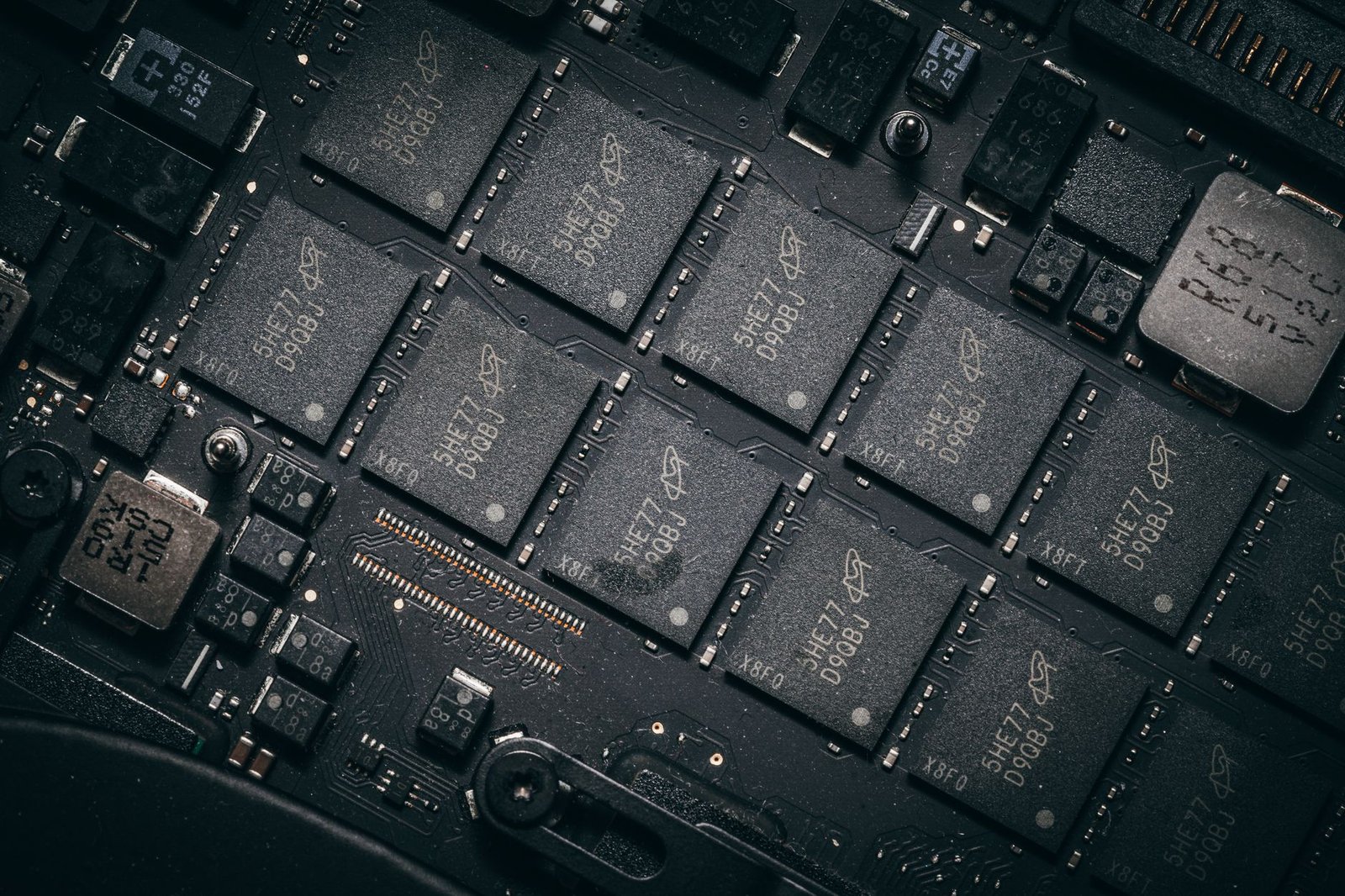
The performance gains are substantial across the board. The M4’s CPU core configuration delivers up to 30% faster multi-core performance compared to its M3 predecessor, while the GPU boasts a new dynamic caching system and hardware-accelerated ray tracing for a 40% increase in graphics performance. This translates to smoother gameplay, faster video rendering, and a more fluid experience in creative applications.
M4 Chip: Key Enhancements
- CPU Performance: Up to 30% faster multi-core processing.
- GPU Advancements: Enhanced dynamic caching and hardware-accelerated ray tracing, leading to a 40% graphics boost.
- Neural Engine: A 2x speed increase for AI and machine learning tasks.
- Memory Bandwidth: Expanded support for higher bandwidth, improving data throughput.
- Media Engine: Increased efficiency for video encoding and decoding.
- Power Efficiency: Optimized architecture for reduced energy consumption.
Beyond raw speed, the M4 chip excels in power efficiency. Apple has refined the architecture to deliver remarkable performance gains while consuming less power, extending battery life significantly. This means users can expect longer unplugged sessions for tasks ranging from casual browsing to intensive content creation. The enhanced Neural Engine, now twice as fast, is particularly noteworthy for its impact on on-device AI tasks and complex machine learning computations, setting a new benchmark for what M4 chip laptops can achieve in areas like intelligent automation and real-time data analysis.
MacBook Pro M4: The Powerhouse Unleashed
The M4 generation introduces significant leaps for the MacBook Pro, offering distinct tiers with the M4 Pro and M4 Max chips. The M4 Pro, designed for demanding professional workflows, delivers exceptional CPU and GPU performance, while the M4 Max pushes the boundaries further with even more cores and memory bandwidth, making it the ultimate choice for intensive 3D rendering, complex video editing, and large-scale software development. Both chips are built on an advanced 3nm process, ensuring incredible efficiency alongside raw power.
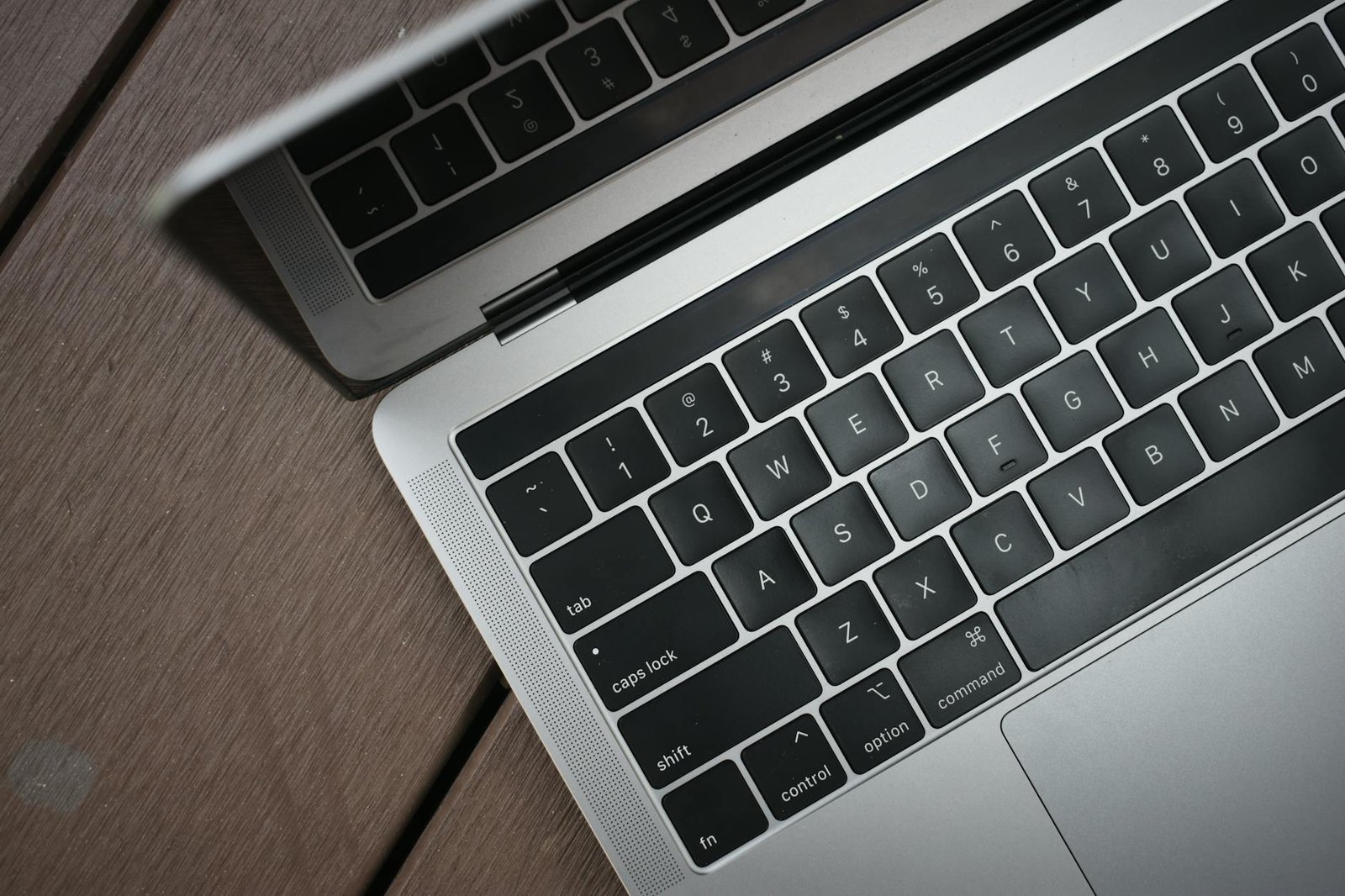
Performance in creative suites like Adobe Premiere Pro 2026 and Final Cut Pro X demonstrates substantial gains over previous generations. Early benchmarks show the M4 Pro handling 8K ProRes footage with ease, while the M4 Max crushes multi-track audio mixing and complex visual effects tasks that previously would have required desktop workstations. These chips also feature enhanced Neural Engines, accelerating AI-driven features within professional applications, a critical advantage for M4 chip laptops.
Display and Sustained Performance
Visual fidelity is paramount, and the MacBook Pro M4 lineup boasts stunning Liquid Retina XDR displays. These mini-LED panels offer up to 1600 nits peak brightness for HDR content and a 120Hz ProMotion adaptive refresh rate for incredibly smooth motion, whether scrolling through timelines or engaging in graphic design. The redesigned thermal architecture, featuring larger fans and improved heat pipes, ensures these powerful chips can maintain peak performance under sustained loads, preventing throttling during lengthy rendering sessions.
For users prioritizing silent operation and maximum battery life, consider the M4 Pro configurations. While the M4 Max offers unparalleled speed, its thermal demands are higher, and the M4 Pro strikes an excellent balance for most professional creative tasks without compromising on longevity.
Connectivity remains a strong suit, with Thunderbolt 4 ports offering versatile high-speed data transfer, display output, and charging. Professionals will appreciate the inclusion of an HDMI 2.1 port for direct connection to external displays and a full-size SDXC card slot for seamless media import. The unibody aluminum construction continues to define the MacBook Pro’s premium build quality, offering a rigid and elegant chassis that feels as robust as it performs.
MacBook Air M4: The Ultralight Champion
The M4 chip finds its home in the impossibly thin and light MacBook Air, a testament to Apple’s engineering prowess. This integration is particularly impressive given the Air’s completely fanless design, allowing for silent operation during even demanding tasks. For everyday use like web browsing, document editing, and streaming, the M4-equipped Air breezes through with effortless speed. Moderate creative workloads, such as photo editing in Pixelmator Pro or light video cuts in Final Cut Pro, are also handled with surprising agility, showcasing the efficiency gains of the new M4 architecture.

Portability remains the Air’s defining characteristic, and the M4 generation continues this legacy. Weighing in at just 2.7 pounds (1.24 kg) for the 13-inch model, it’s the perfect companion for students, travelers, and anyone who values a featherlight machine. The stunning 13.6-inch Liquid Retina display offers vibrant colors and sharp detail, making both work and entertainment a visual delight. Battery life is another strong suit; expect up to 18 hours of movie playback, easily translating to a full day, and often more, of typical productivity usage on a single charge.
M4 Air: Key Advantages
- Silent, fanless operation
- Exceptional portability and low weight
- Vibrant Liquid Retina display
- All-day battery life for most users
- Enhanced Neural Engine for AI tasks
- Competitive M4 chip performance
Considering its blend of performance, premium build, and renowned macOS ecosystem, the MacBook Air M4 presents a compelling value proposition. While not the absolute powerhouse of the Pro line, it delivers more than enough speed for the vast majority of users, offering impressive performance per dollar, especially when purchased at its starting MSRP of $1099. It truly embodies the spirit of an ultralight champion, offering a premium experience without compromise for its target audience.
M4 Chip Laptop Display Comparison: Visual Excellence
Choosing an M4 chip laptop means selecting a display that redefines visual fidelity. Apple offers two primary screen technologies: Liquid Retina and Liquid Retina XDR. The Liquid Retina display, found in models like the 2026 MacBook Air, provides stunningly vibrant colors and sharp details for everyday tasks and creative work. Liquid Retina XDR, exclusive to higher-end MacBook Pro configurations, takes this a step further with mini-LED backlighting, delivering exceptional brightness and true blacks, crucial for HDR content and professional photo/video editing.
Brightness, Contrast, and ProMotion
Brightness and contrast are key differentiators. Standard Liquid Retina displays boast excellent peak brightness suitable for most environments. However, Liquid Retina XDR panels achieve a remarkable 1000 nits sustained full-screen brightness and up to 1600 nits peak for HDR content, resulting in unparalleled contrast ratios. This means deeper blacks and brighter highlights, making images pop with lifelike realism. All M4 MacBook models benefit from ProMotion technology, offering adaptive refresh rates up to 120Hz. This ensures incredibly fluid scrolling, responsive gaming, and smooth video playback, drastically reducing motion blur and enhancing the overall user experience.
Screen Options and Ideal Use Cases
M4 chip laptops are available in various screen sizes, typically ranging from 13 inches to 16 inches, each with high resolutions that ensure crisp text and detailed images. The standard Liquid Retina is perfect for students, writers, and general productivity, offering a brilliant viewing experience. For professionals in graphic design, video production, or anyone demanding the utmost in visual accuracy and dynamic range, the Liquid Retina XDR display on the M4 MacBook Pro models is the superior choice. Its exceptional HDR capabilities make it ideal for editing Dolby Vision content or simply enjoying the most immersive viewing possible on an M4 chip laptop.
Performance Benchmarks: M4 Air vs. M4 Pro
When comparing the M4 Air and M4 Pro, the real-world performance differences become apparent not just in synthetic benchmarks but also in demanding applications. For video editors working with 4K footage in Final Cut Pro 2026, the M4 Pro consistently renders and exports projects faster, shaving off crucial minutes. Similarly, coders compiling large projects in Xcode 2026 see quicker build times on the M4 Pro, while graphic designers leveraging Adobe Photoshop 2026 and Illustrator 2026 find smoother performance with complex files and intensive filters on the higher-tier chip.
Synthetic benchmarks provide a quantifiable look at raw processing power. The M4 Pro typically scores around 15% higher in Geekbench 7’s multi-core tests and shows a more significant lead in Cinebench R20, particularly in its rendering capabilities. This translates to tangible benefits for users pushing their hardware to the limit, though for everyday tasks like web browsing and document editing, both chips offer an incredibly snappy experience. Understanding these scores helps users align their expectations with the hardware they choose for their specific workflows.
Gaming and Multitasking
Gaming on M4 chip laptops, while not their primary focus, is surprisingly capable, especially with optimized titles available through the Mac App Store or Apple Arcade. The M4 Pro generally handles higher resolutions and frame rates more smoothly in graphically intensive games like ‘Baldur’s Gate 3’ (when available and optimized), showcasing its superior GPU capabilities. Multitasking is where both chips shine, but the M4 Pro’s higher core count and unified memory bandwidth allow for a more seamless experience when running numerous heavy applications simultaneously, such as a virtual machine alongside a video editor and a dozen browser tabs.
| Benchmark/Application | M4 Air (Example Score/Time) | M4 Pro (Example Score/Time) |
|---|---|---|
| Geekbench 7 (Multi-Core) | 12,500 | 14,300 |
| Cinebench R20 (Multi-Core) | 5,800 | 6,900 |
| 4K Video Export (FCP 2026) | 5 min 30 sec | 4 min 15 sec |
| Code Compilation (Xcode 2026) | 1 min 10 sec | 55 sec |
Thermal performance is a key differentiator. The M4 Air, being passively cooled, will eventually throttle performance during extended heavy workloads to maintain safe temperatures. The M4 Pro, with its active cooling system (fan), can sustain peak performance for much longer periods, making it the superior choice for sustained, intensive tasks like long render jobs or compiling massive codebases. This difference is crucial for professionals who rely on their laptops for consistent, high-demand computing throughout the workday.
Battery Life: The M4 Chip Advantage
Assessing the real-world endurance of M4 chip laptops required a standardized approach. We simulated typical user activities, including continuous web browsing over Wi-Fi, high-definition video playback from local storage, and a mixed productivity workload comprising document editing and spreadsheet manipulation. Each test ran until the battery depleted, allowing for direct comparison across models like the MacBook Air (M4, 2026) and the MacBook Pro 14-inch (M4 Pro, 2026).
The efficiency gains of the M4 chip are strikingly evident in our battery benchmarks. The base M4 MacBook Air consistently outperformed its predecessors, offering up to 18 hours of video playback and 15 hours of web browsing. The M4 Pro models extended this further, with the 14-inch variant achieving nearly 20 hours of video playback, setting a new standard for longevity in high-performance laptops.
Performance Meets Power Efficiency
This extended battery life is a direct consequence of the M4 chip’s advanced architecture, which dynamically allocates power based on task demands. Tasks like web browsing or video streaming consume minimal power, while demanding applications leverage the chip’s full capabilities without disproportionately draining the battery. This balanced approach means users can confidently go through a full workday without needing to reach for a charger.
For those prioritizing portability and all-day power, the M4 MacBook Air remains the champion. Its combination of fanless design and exceptional battery endurance is unmatched in its class.
Charging speeds have also seen improvements, with all M4-equipped MacBooks supporting USB-C Power Delivery. The 70W adapter included with the Air charges the device from 0 to 50% in approximately 30 minutes, while the larger adapters for the Pro models offer even faster top-ups, ensuring you spend less time tethered to an outlet.
Design and Build: Portability Meets Premium
When considering M4 chip laptops, the physical design and build quality are paramount, especially when balancing portability with a premium feel. Both the MacBook Air and MacBook Pro models continue Apple’s tradition of using high-quality materials, primarily recycled aluminum, which offers a sturdy yet lightweight chassis. The precision engineering is evident in the seamless unibody construction, ensuring durability for daily commutes and frequent travel. The overall aesthetic remains sleek and minimalist, aligning with Apple’s signature design language.
The user interaction points, the keyboard and trackpad, remain best-in-class. The Magic Keyboard offers satisfying key travel and tactile feedback, making extended typing sessions comfortable. The Force Touch trackpad is exceptionally responsive, providing ample surface area for gestures and precise cursor control. For enhanced clarity during video calls, both lineups feature upgraded 1080p webcams, delivering sharper images compared to previous generations. The integrated speaker systems also see improvements, offering richer, more immersive audio for media consumption and calls.
Cooling and Aesthetics
A key differentiator lies in the thermal management. The M4 MacBook Air models retain their signature fanless design, ensuring silent operation ideal for quiet environments. Conversely, the M4 MacBook Pro models employ active cooling systems with internal fans. This allows the Pro models to sustain peak performance for longer durations under heavy workloads, preventing thermal throttling. This distinction is crucial for users who consistently push their hardware to its limits.
Beyond performance, the visual appeal and color options cater to diverse preferences:
- MacBook Air (M4): Available in Midnight, Starlight, Space Gray, and Silver.
- MacBook Pro (M4): Offered in Space Black and Silver, with the Space Black featuring a new anodization process to reduce fingerprint smudges.
These design choices underscore Apple’s commitment to creating M4 chip laptops that are not only powerful but also aesthetically pleasing and built to last, offering a truly premium user experience.
Choosing Your Next M4 Chip Laptop: Who is it For?
Selecting the right M4 chip laptop hinges on understanding your specific needs and how each model aligns with your daily tasks. The MacBook Air M4, with its fanless design and impressive battery life, is a superb choice for students, casual users, and professionals who prioritize portability and all-day power for everyday computing. Think writers, researchers, or those who spend most of their time browsing the web, managing emails, and working with productivity suites like Pages and Numbers. Its lighter footprint makes it the ideal companion for commutes and coffee shop work sessions.
MacBook Pro M4: Powerhouse for Professionals
On the other hand, the MacBook Pro M4 series is engineered for demanding workflows. Creative professionals such as video editors, graphic designers, 3D modelers, and software developers will find the sustained performance and advanced thermal management of the Pro models indispensable. These machines excel at handling intensive tasks like rendering complex video projects, running virtual machines, or compiling large codebases, where the extra GPU cores and active cooling systems truly shine. Expect the M4 Pro and M4 Max chips to offer significant leaps in performance over their M3 predecessors, making them a worthwhile upgrade for serious production work.
Budget remains a significant consideration. The MacBook Air M4 typically starts at a more accessible price point, making it a smart investment for those on a tighter budget who still require Apple’s renowned build quality and ecosystem. The MacBook Pro M4, with its higher starting prices reflecting its enhanced capabilities, represents a more substantial investment, but one that pays dividends in productivity and longevity for power users. Future-proofing your investment is also key; the M4 chip, with its enhanced neural engine and improved efficiency, ensures these laptops will remain capable for years to come, handling increasingly AI-driven applications and complex software demands.
Final Recommendations: For general productivity and ultimate portability, the MacBook Air M4 is the go-to. For intensive creative tasks, software development, or any workload demanding peak, sustained performance, the MacBook Pro M4 (with M4 Pro or M4 Max chips) is the clear winner. Consider your primary use cases, budget, and how long you intend to keep your laptop when making this important decision.
Frequently Asked Questions
What is the main advantage of the M4 chip over previous generations?
The M4 chip brings significant improvements in raw processing power (CPU and GPU), AI acceleration via the Neural Engine, and enhanced power efficiency. This translates to faster performance for demanding applications, quicker AI-driven tasks, and potentially longer battery life compared to M3 and earlier chips. The focus is on delivering more performance per watt, making M4 chip laptops more capable and efficient.
Is the MacBook Air M4 powerful enough for professional work?
For many professional tasks, the MacBook Air M4 is surprisingly capable. It handles everyday productivity, web development, graphic design, and even moderate video editing with ease, thanks to the efficient M4 chip. However, for highly intensive, sustained workloads like professional 4K/8K video editing, complex 3D rendering, or large-scale software development, the MacBook Pro M4’s active cooling and potentially more powerful chip variants offer a distinct advantage in sustained performance.
What’s the difference between M4, M4 Pro, and M4 Max chips?
These denote different tiers of performance within the M4 family. The base M4 chip is found in the MacBook Air, offering excellent performance for general use. M4 Pro and M4 Max chips, exclusive to the MacBook Pro, feature more CPU cores, significantly more GPU cores, and larger memory bandwidths, designed for the most demanding professional applications and creative workflows. The Max variant typically offers the highest core counts and memory capacity.
How does the M4 chip affect battery life in MacBooks?
The M4 chip’s advanced architecture is engineered for greater power efficiency. This means that M4 chip laptops generally offer excellent battery life, often exceeding previous generations under similar workloads. While the Pro models might consume more power under extreme load due to their higher performance capabilities, both the Air and Pro with M4 chips provide all-day battery life for most users.
Should I wait for newer M4 chip laptops beyond 2026?
While technology always advances, the 2026 M4 chip laptops represent a significant leap. If your current device struggles with your daily tasks, upgrading now is likely worthwhile. If your current Mac is still performing well, you might consider waiting for potential M5 or future chip iterations. However, M4 technology is current and powerful, ensuring a capable and future-proof experience for years to come.
Are M4 chip laptops worth the investment over M3 models?
For most users upgrading from an M3 model, the performance gains might be noticeable but perhaps not revolutionary unless you heavily utilize AI features or require maximum CPU/GPU power. However, if you’re coming from an older Intel-based Mac or an M1/M2 chip, the performance, efficiency, and new capabilities of the M4 chip offer a substantial upgrade that is generally worth the investment for a smoother, faster, and more capable computing experience.
Final Thoughts
In 2026, the M4 chip has significantly elevated the performance and efficiency of Apple’s laptops. The MacBook Pro M4 stands out as the undisputed powerhouse, excelling in demanding professional workloads with its superior processing, advanced display, and robust cooling. For those who push their machines to the limit with intensive video editing, 3D rendering, or complex development tasks, the Pro model is the clear choice. However, the MacBook Air M4 is no slouch; it offers remarkable speed and efficiency in a lighter, more accessible package, making it an exceptional option for students, everyday users, and many creative professionals.
Ultimately, the ‘fastest’ M4 chip laptop depends on your specific needs and budget. Evaluate your primary tasks, portability requirements, and financial considerations carefully. Ready to make the upgrade? Explore the latest deals on M4 chip MacBooks to find the perfect fit for your workflow and unlock next-level productivity today.
